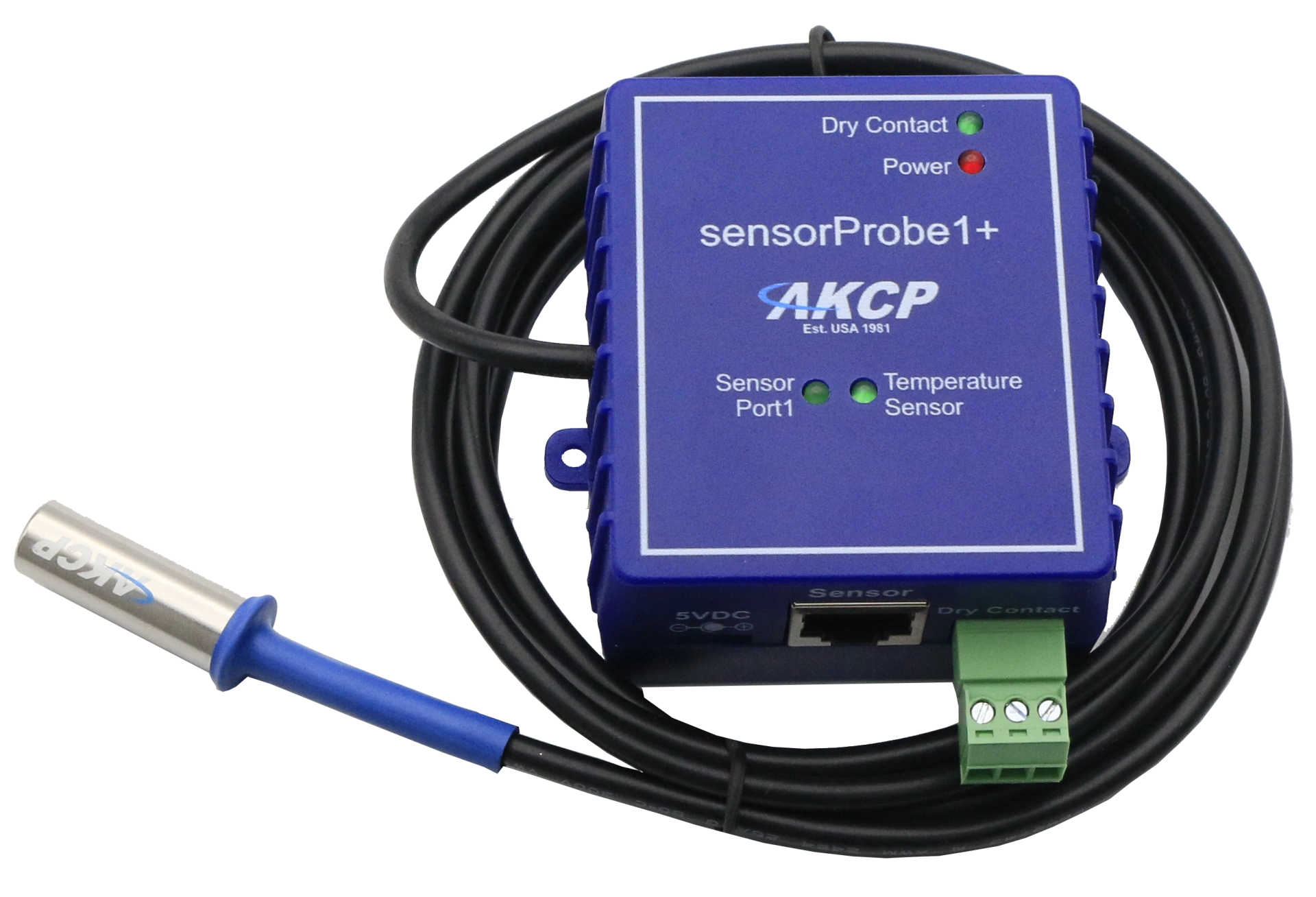
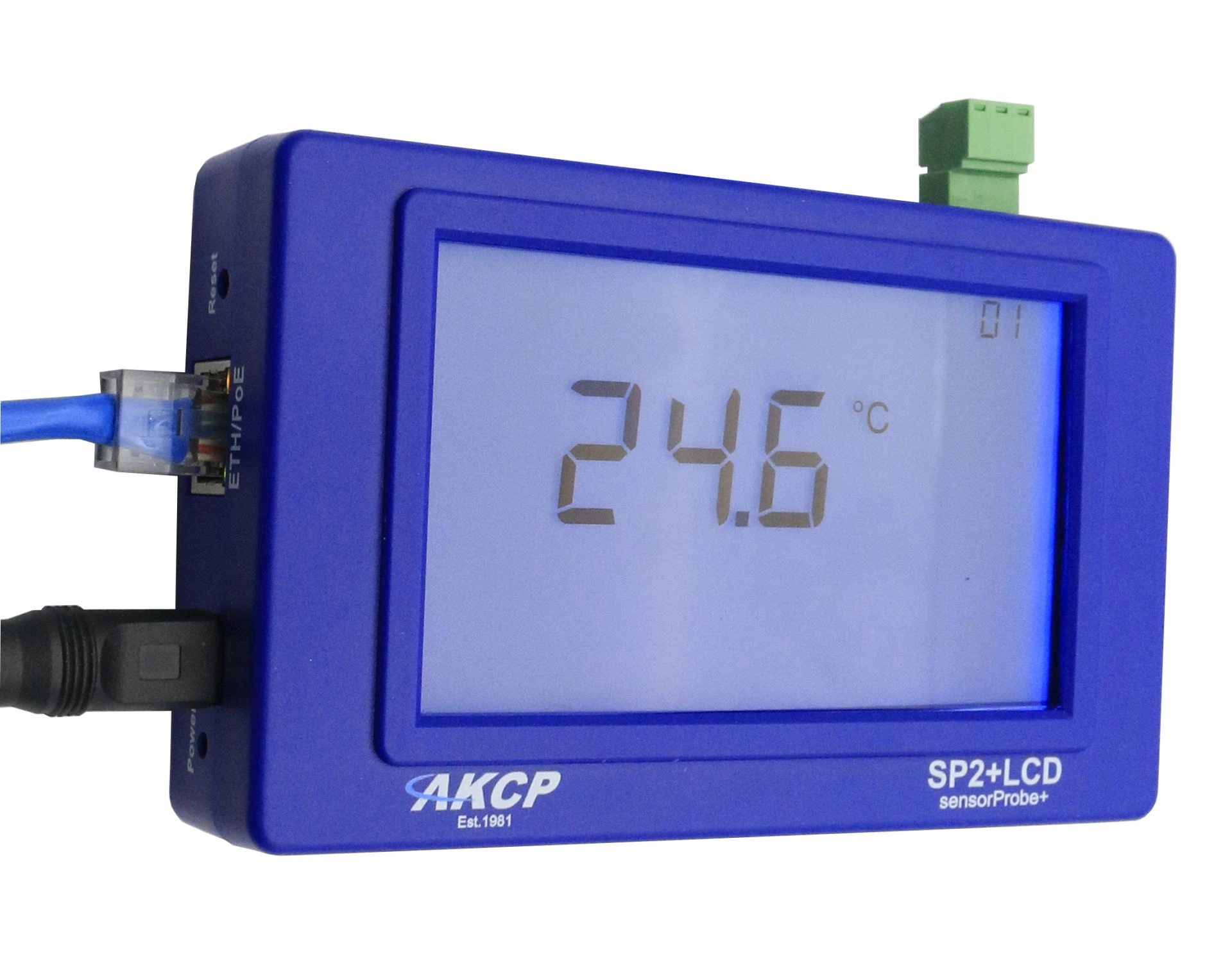
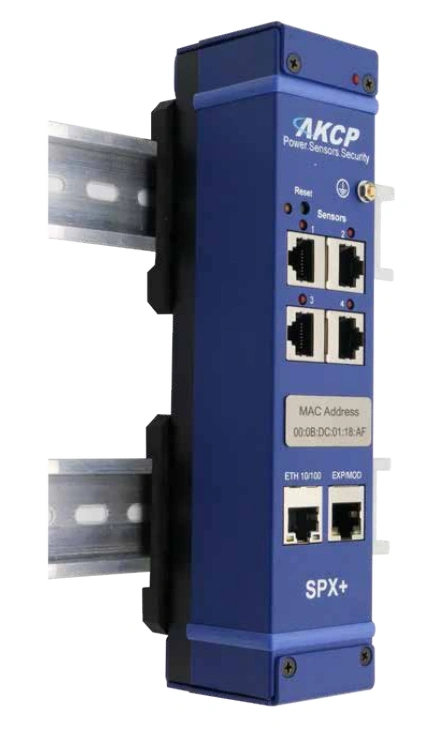
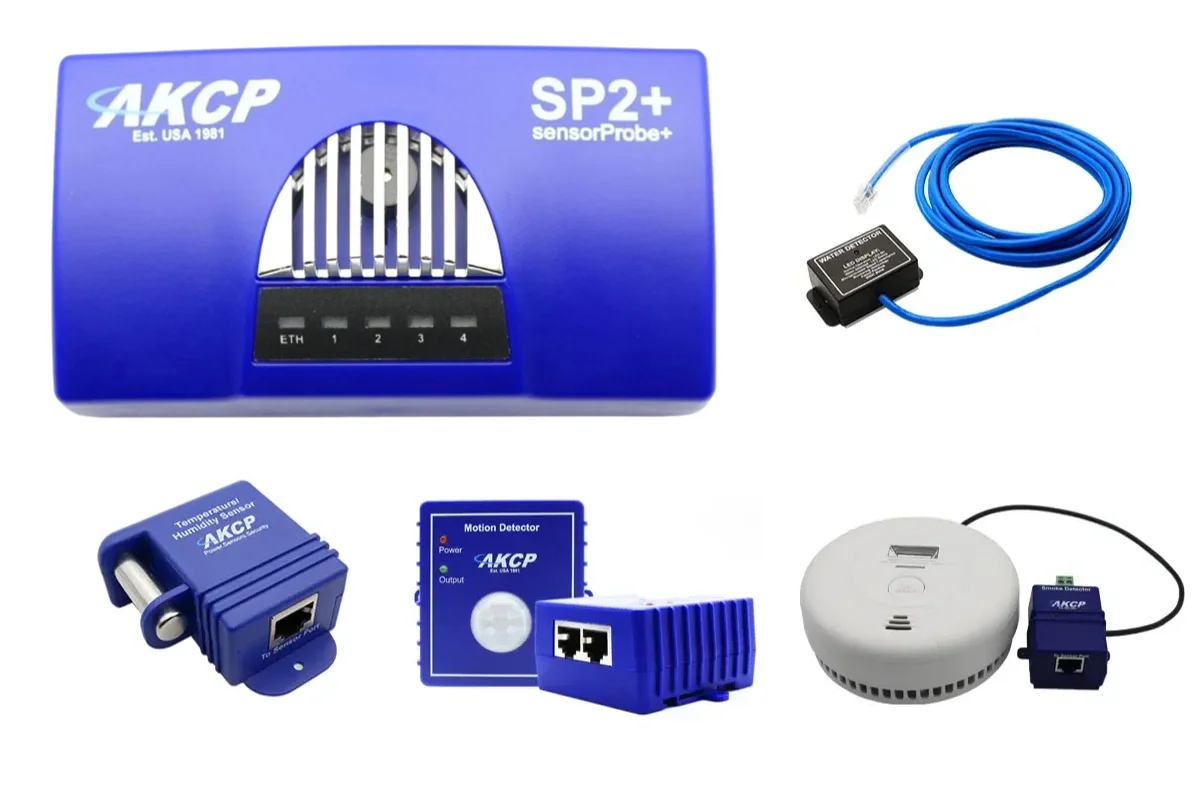
To update the firmware of the AKCP sensorProbe monitoring systems, please proceed as follows:
You can download the latest AKCP firmware for your sensorProbe monitoring system from us.
Please save and unzip the corresponding microcode firmware of your AKCP sensorProbe locally on your computer.
In the unzipped directory, you will find the program IPSetX.X.X.X.exe as well as the latest AKCP firmware version spX_firmware_DD_MONTH_YY.zip.
Connect your sensorProbe monitoring system to your computer via a crossover cable and determine the IP address of the AKCP sensorProbe.
Start the program IPSet.exe. Click on the "System Upgrade" field and enter the IP address and current password of your sensorProbe.
If desired, you can also automatically determine the IP address using IPSet.exe.
Then you only need to specify the path and the exact name of the firmware file (e.g., C:\sensorProbe\spX_firmware_DD_MONTH_YY.zip) and the update of the AKCP sensorProbe will start.
Please note that a self-conducted firmware update is always at your own risk. Should problems occur during the firmware update of your AKCP sensorProbe models, the competent technical support team is available to assist you.
During this time, the power supply to your AKCP sensorProbe must not be interrupted under any circumstances.
After a successful firmware update, you will receive the message "Complete" and the sensorProbe will reboot.
Professional AKCP securityProbe5ES-X20 Alarm Server with twenty potential-free contacts for reliable environmental monitoring in critical IT infrastructures.