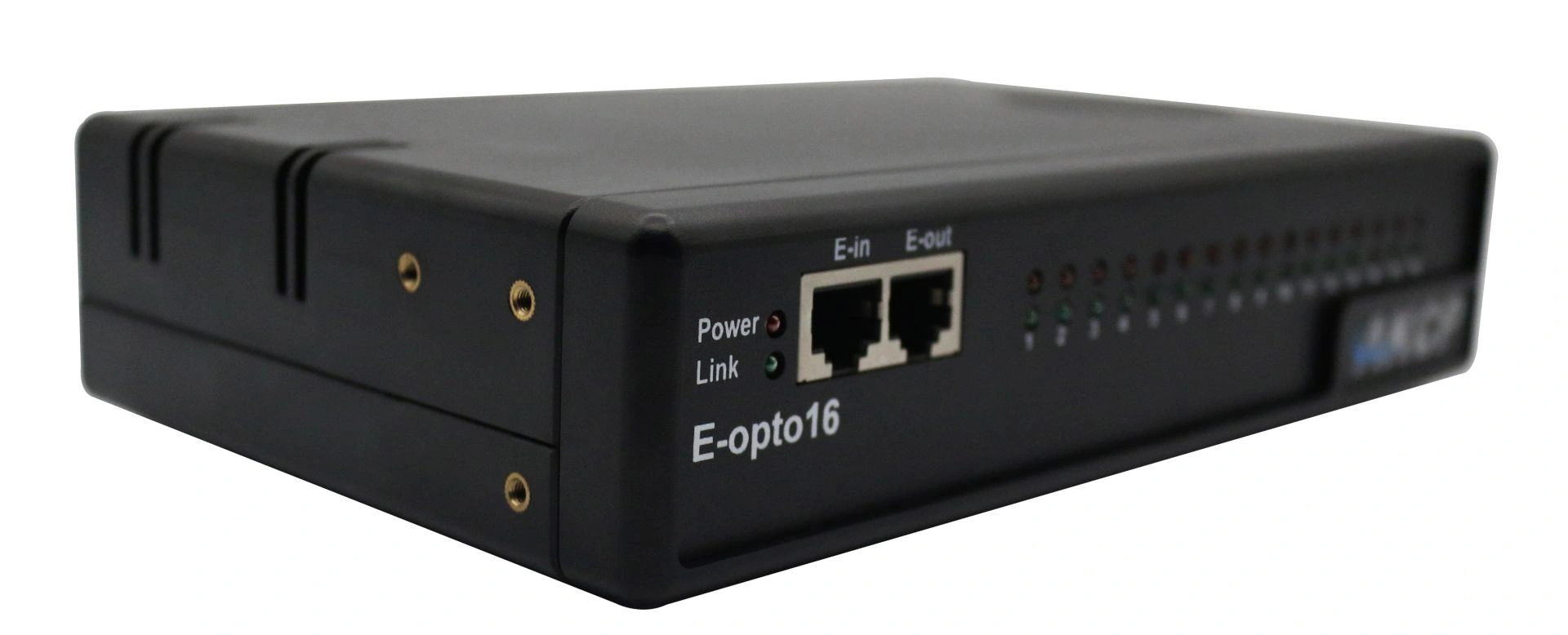
Professional AKCP E-opto16 expansion module with sixteen opto-isolated potential-free contacts for comprehensive server room monitoring and infrastructure monitoring.
AKCP Firmware – Features, Updates, Compatibility and Security
The firmware of AKCP devices is the central software component that controls the operation and functionality of all sensors and management devices produced by the manufacturer. It is comparable to the operating system of a computer and forms the interface between the hardware and the user interface. Through continuous development and regular updates, AKCP ensures that its devices are always up to date with the latest technology and offer maximum performance, stability, and security.
Core Functions of the AKCP Firmware
The firmware enables communication between sensors and network modules, processes data in real time, and transmits it to monitoring systems. It supports full integration of the devices into networks, configuration and management via web browser, email alerts in case of alarms, SNMP traps, syslog protocols, as well as cloud integration via AKCPro Server or other SNMP-based platforms.
A key feature is the clear and intuitive web interface, through which users can configure all connected sensors, define thresholds, set up notifications, and view system logs. The firmware supports all AKCP SensorProbe and SecurityProbe devices, as well as many rack and environmental monitoring solutions.
Firmware Updates: Why They Matter
Regular firmware updates are essential for system stability and security. New firmware versions offer:
Support for new sensor models or add-ons
Fixes for known bugs
Improvements to the user interface and system performance
Enhancements to compatibility with the latest security standards and network protocols
New features, such as improved notification mechanisms or expanded SNMP support
Firmware updates can be installed via the device’s web interface, TFTP, or local access (e.g., via USB for SecurityProbe devices). It is strongly recommended to back up the current configuration before performing an update.
Compatibility and Product Lines
The firmware is modular in design and always adapted to the specific hardware generation. Many devices share a common code base, which makes rolling out updates easier and ensures a standardized implementation of features. Supported series include:
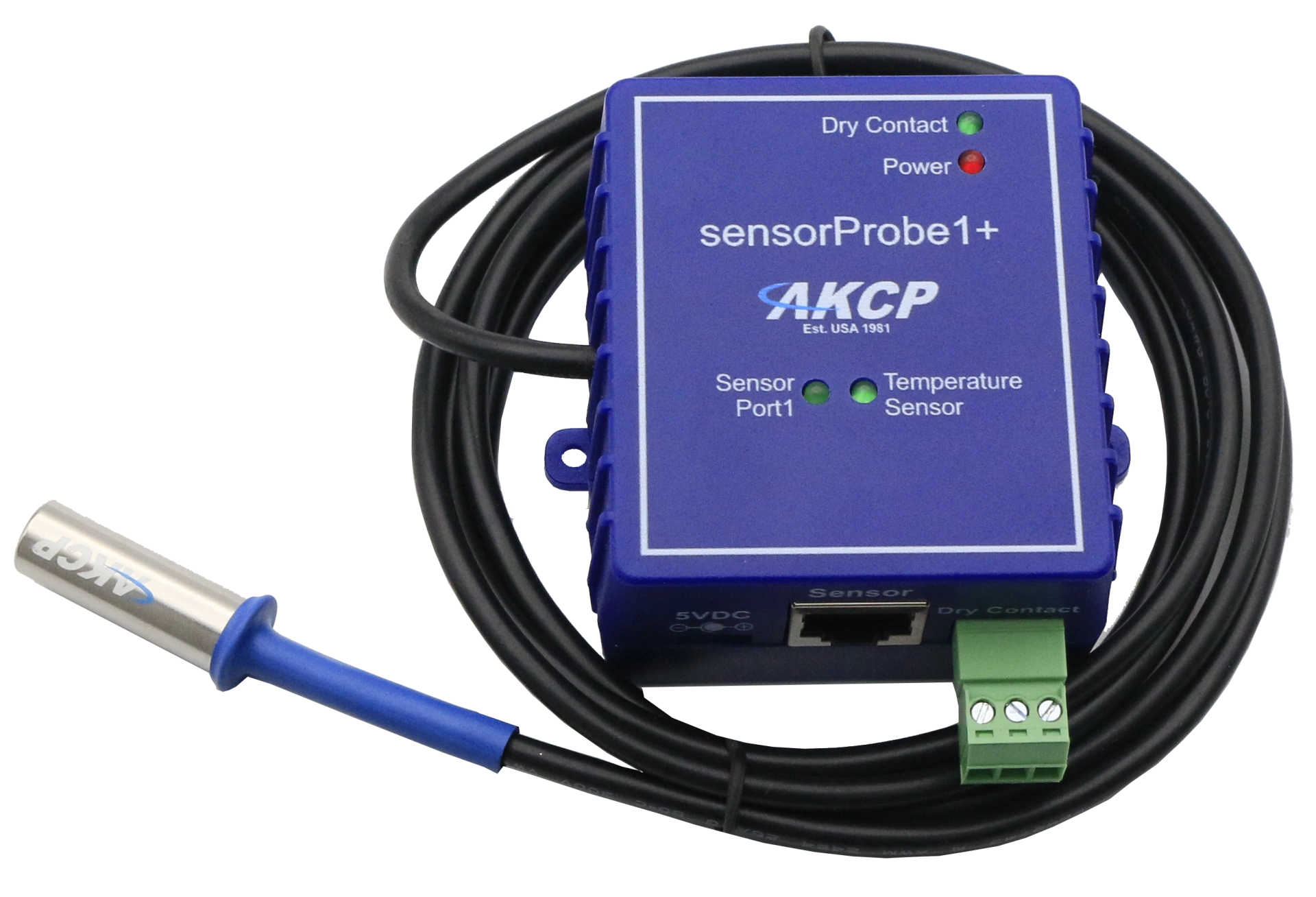
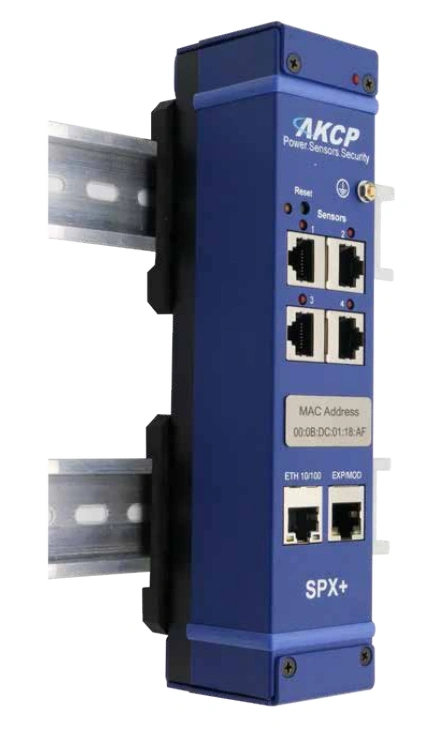
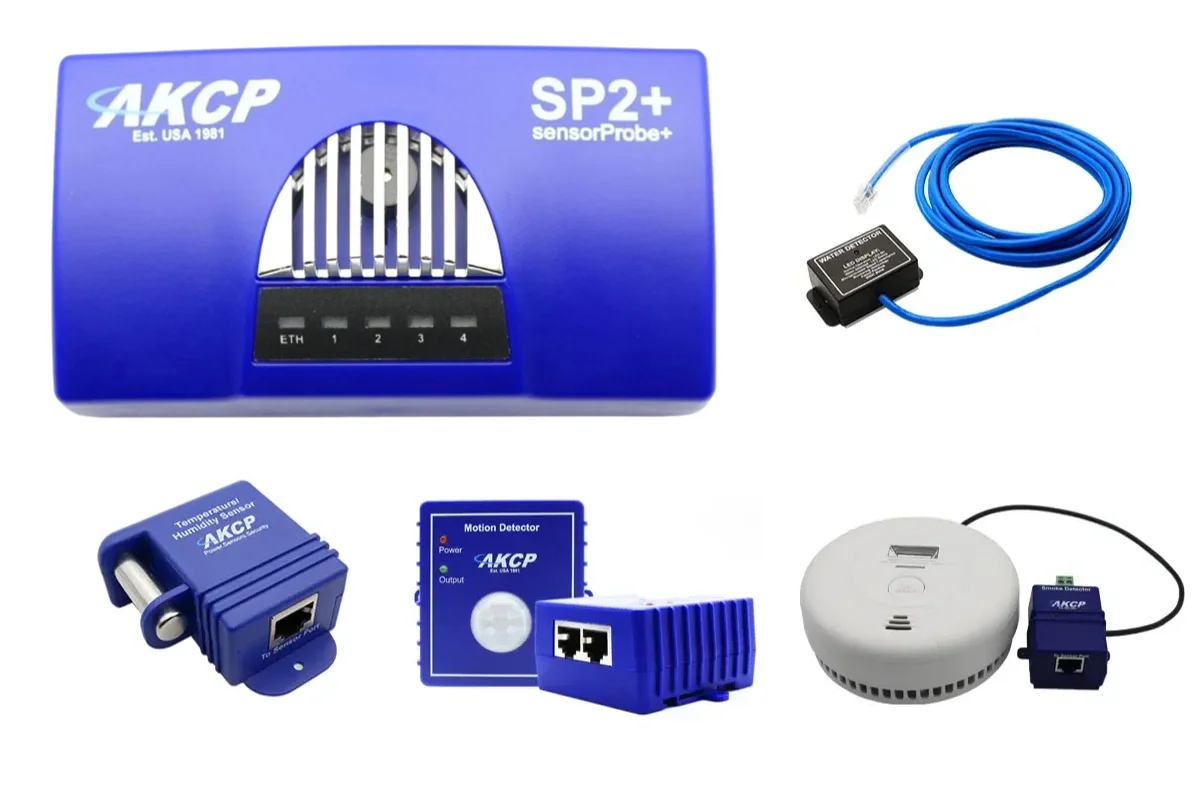
SensorProbe series (e.g., SP2+, SPX+, SPX8, SPX8-X60)
SecurityProbe series (e.g., SEC5E, SEC3)
AKCP wireless solutions with optional gateway and cloud compatibility
DCIM modules such as power monitoring and cabinet thermal mapping
Before updating the firmware, it is important to verify whether the device in use is compatible with the offered version. Firmware files and accompanying release notes provide detailed information about supported models, new features, and changes.
Security and Access Control
Another important aspect of AKCP firmware is security. All current versions support encrypted connections (HTTPS), user management with role-based access, user action logging, as well as integration into existing authentication systems (e.g., RADIUS, LDAP, depending on the model). This makes AKCP devices well-suited for deployment in security-critical environments such as data centers or industrial IoT applications.
Support and Downloads
Firmware downloads are available via the official support website. You will find:
Latest firmware versions
Previous versions for recovery
Changelogs and feature lists
Update guides (PDF or video tutorials)
Troubleshooting tips
A dedicated technical support team is also available – for registered partners and customers with an active license or support agreement.
The firmware is the heart of every AKCP device and ensures operational reliability, flexibility, and precise sensor monitoring. Thanks to a comprehensive update and support structure, AKCP devices can continuously be kept up to date – whether in a data center, server room, industrial environment, or remote IoT deployment.
Those who regularly keep their systems updated benefit not only from functional enhancements but also ensure that their infrastructure remains protected against current threats.
Professional AKCP securityProbe5ES-X20 Alarm Server with twenty potential-free contacts for reliable environmental monitoring in critical IT infrastructures.