Knowledge Base for HW group: Industrial Temperature Monitoring Made Easy
Welcome to our knowledge base for the manufacturer HW group. This page consolidates practical connection examples, explains the most important sensors and devices, links downloads such as manuals or datasheets, and provides tips from daily use. The goal is to give you a clear overview in just a few minutes on how to reliably measure, evaluate, and alert temperature and humidity values – from compact environment monitoring in server cabinets to robust industrial applications with multiple measurement points.
What Does HW group Stand For?
HW group is known for networked monitoring solutions around temperature, humidity, and digital contacts. Typical devices include compact LAN/WLAN thermometers, modular remote I/O units, and LTE data loggers. The systems can operate without a PC, send email or SNMP alerts, and can integrate with cloud or SCADA/DCIM platforms if needed. For integrators and IT admins, it’s important to know many devices support common protocols such as HTTP(S), SNMP v1/v2c/v3, Modbus/TCP, and provide data in XML/JSON for custom analysis.
Typical Device Categories Overview
LAN/WLAN Environment Monitor for 1–5 sensors (e.g., temperature, humidity). Ideal for racks, technical rooms, laboratories.
Modular Monitoring Gateways for multiple measurement points and I/O – suitable for industry, building management, energy.
LTE/Mobile Loggers for locations without network or as a backup path for alarm messages.
The devices are mostly connected to sensors via RJ11, support 1-Wire/1-Wire UNI, and can conveniently be powered by PoE. This keeps installation and maintenance simple – especially in distributed infrastructures.
Sensor Types and Measurement Ranges
For temperature monitoring, robust sensors for indoor and outdoor use as well as combination sensors (temperature & humidity) are available. For higher precision or extreme ranges, PT100/PT1000-based solutions are used, which can be connected to the devices via suitable 1-Wire-UNI converters. This covers applications from cold and freezer chains to HVAC systems and production environments – including audit-proof logging.
Connection Examples: How to Get Started
1) Simple LAN/WLAN Thermometer with Cloud Alerting
Integrate the device into the network via Ethernet (or WLAN if available).
Connect the temperature sensor via RJ11; for combination sensors, temperature and humidity are recorded in parallel.
Obtain an IP address (DHCP/Static), open the web interface, and define thresholds.
Trigger a test alarm and document (screenshots, thresholds, recipients).
2) Multipoint Monitoring with I/O and Precise Sensors
Mount modular gateway in the control cabinet and power via PoE.
Connect multiple RJ11 sensors (e.g., temperature, relative humidity) and digital inputs (e.g., door contact).
Integrate PT100/PT1000 for high accuracy via 1-Wire-UNI converters.
Activate protocols such as SNMP/Modbus and connect to control center/SCADA.
Define alarm matrix (email, SNMP trap, relay output) and document test procedures.
3) Temperature Monitoring at Remote Locations with LTE
Equip monitoring logger with SIM card, mount antenna.
Connect temperature or combination sensor(s); select weather/UV-resistant sensors if necessary.
Configure measurement intervals, thresholds, and SMS/email alerts.
Activate data logging (local/cloud) and set report cycles.
Practical Tips for Stable Measurements
Sensor Placement: Do not mount sensors directly on heat sources, air outlets, or in direct sunlight. For racks: middle height, free air circulation.
Calibration & Comparative Measurement: Cross-check new installations with a reference thermometer; recalibrate regularly for critical processes.
Hysteresis & Delay: Set sensible switching thresholds with hysteresis to avoid alarm floods during short peaks.
Redundancy: Where failures are costly, mount two sensors at different points and monitor both.
Prefer PoE: PoE reduces power supplies and simplifies power delivery in racks and control cabinets.
Network & Security: Use HTTPS/SNMPv3, dedicated mail routes (SMTP relay), test and document alarm destinations.
Alerting & Integration
HW group solutions offer email alerts, SNMP traps, relay outputs, and—depending on the model—SMS or cloud push notifications. In IT environments, coupling with NMS/DCIM is common (e.g., SNMP in Zabbix, PRTG, Nagios). In building and industrial projects, Modbus/TCP is often used for BMS/SCADA. Log data can be exported cyclically (CSV/JSON) for reports—ideal for quality assurance and audits.
Example Use Scenarios
Server Room & Colocation
Goal: Early detection of temperature rises, protection against hotspots and climate disruptions.
Setup: 2–4 temperature sensors per row of racks (inlet/outlet), humidity in room center, door contacts on racks.
Alert: Email/SNMP, escalation after 5 minutes persistence, weekend SMS.
Cold/Freezer Logistics
Goal: Seamless documentation and legal compliance.
Setup: Precision sensors (PT100/PT1000) in each cooling zone, logging every 1–5 minutes, daily cloud reports.
Alert: Immediate notification upon threshold violation, acknowledgment mandatory, automatic PDF report.
Production & Quality Assurance
Goal: Stable processes and scrap protection.
Setup: Multipoint measurement on critical machines, coupling to SCADA via Modbus/TCP.
Alert: Relay output for acoustic signaler; email to QA team with measurement snapshot.
Checklist for Your Project Planning
Define Thresholds: Who sets target/tolerance ranges? What hysteresis is sensible?
Determine Measurement Points: Where are hotspots, air paths, cold bridges? Do you need indoor/outdoor measurement?
Sensor Choice: Standard sensors vs. precise PT100/PT1000; consider protection class and cable length.
Communication: LAN/WLAN/LTE? Protocols (SNMP, Modbus), PoE power supply, VLAN/security.
Alerting: Email, SNMP, SMS, relay – including escalation rules and on-call times.
Documentation: Who receives reports? How long to archive? Define calibration cycles.
Best Practices from the Field
Cable Routing: Keep sensor cables separate from power lines. Secure RJ11 connectors against pulling.
EMC & Interference: Use shielded cables and proper grounding in industrial environments.
Reliability:Dual alarm paths (email + SMS) and watchdog in the control room.
Maintenance: Test alarms quarterly, check sensors, update firmware, keep logs.
Scaling: Start with core measurement points and expand as needed – sensors can easily be added thanks to 1-Wire.
With HW group, you rely on flexible, networked temperature monitoring that scales from compact single measurements to multi-stage industrial monitoring. The devices are easy to commission, support open protocols, and thanks to 1-Wire sensor technology can quickly adapt to new requirements. Use our connection examples, downloads, and tips to quickly build a reliable, audit-proof solution – for stable processes, protected infrastructure, and peaceful nights.
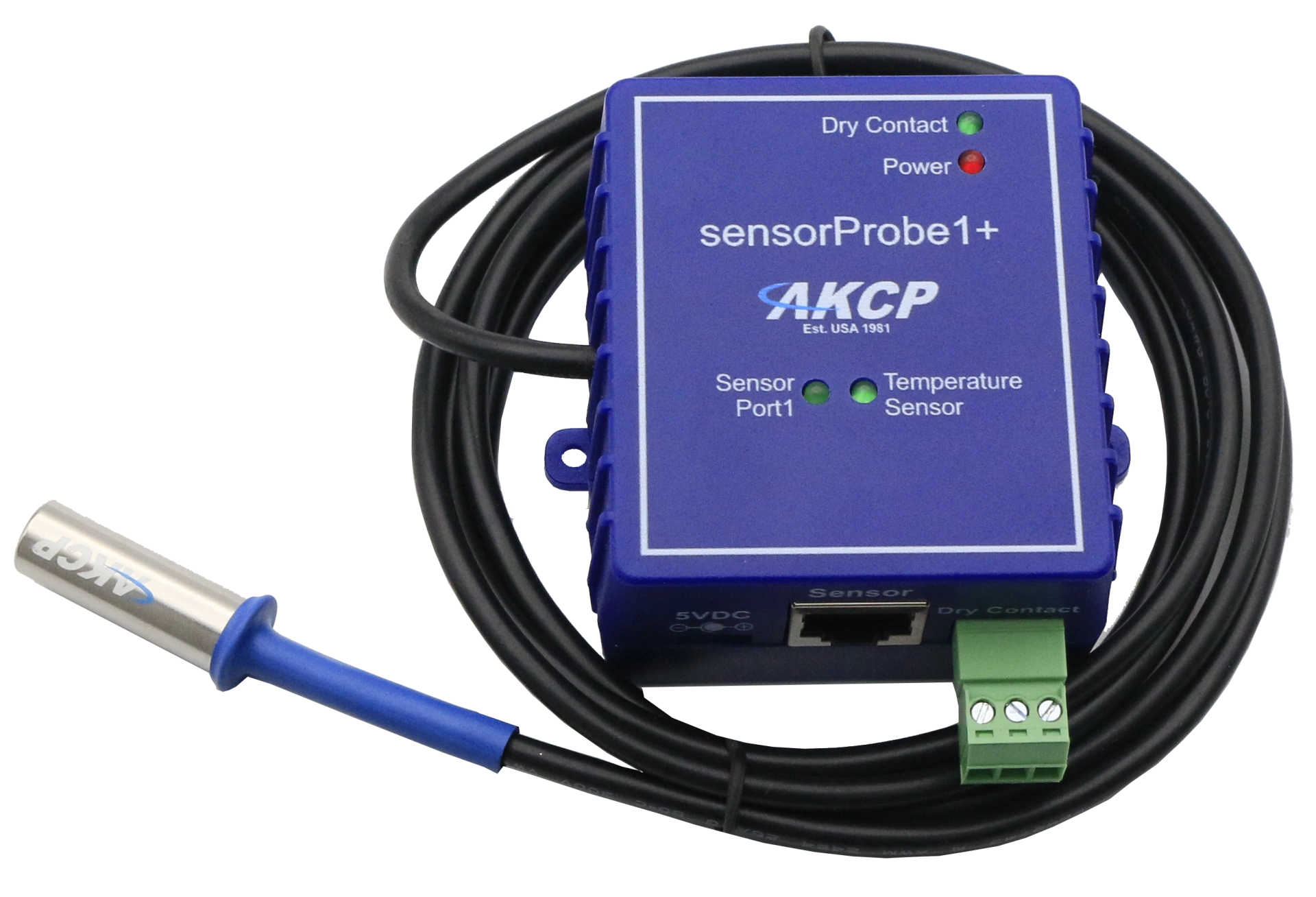
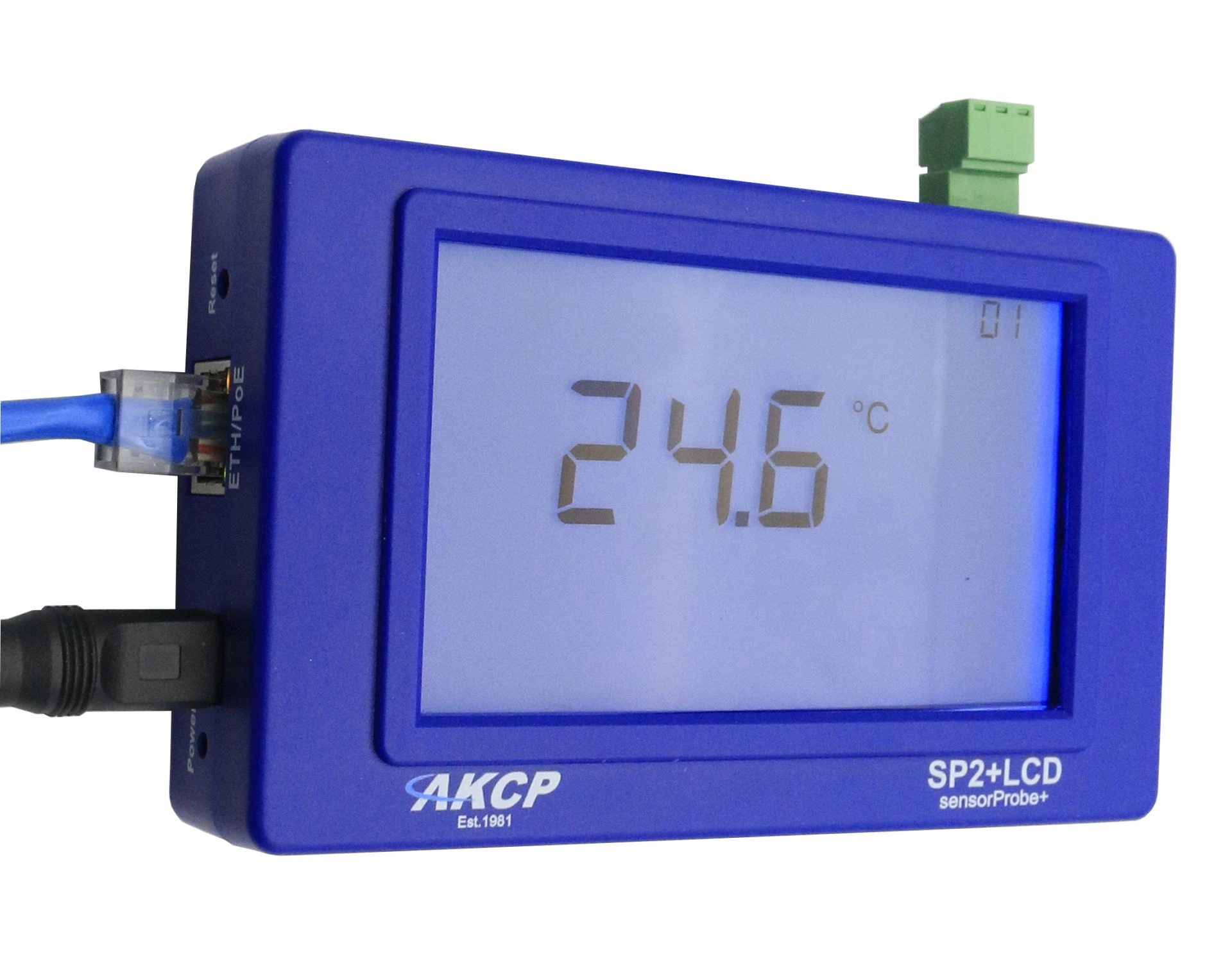
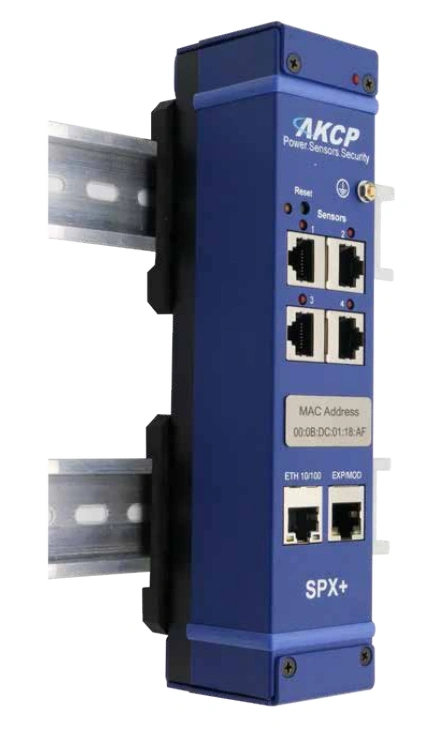
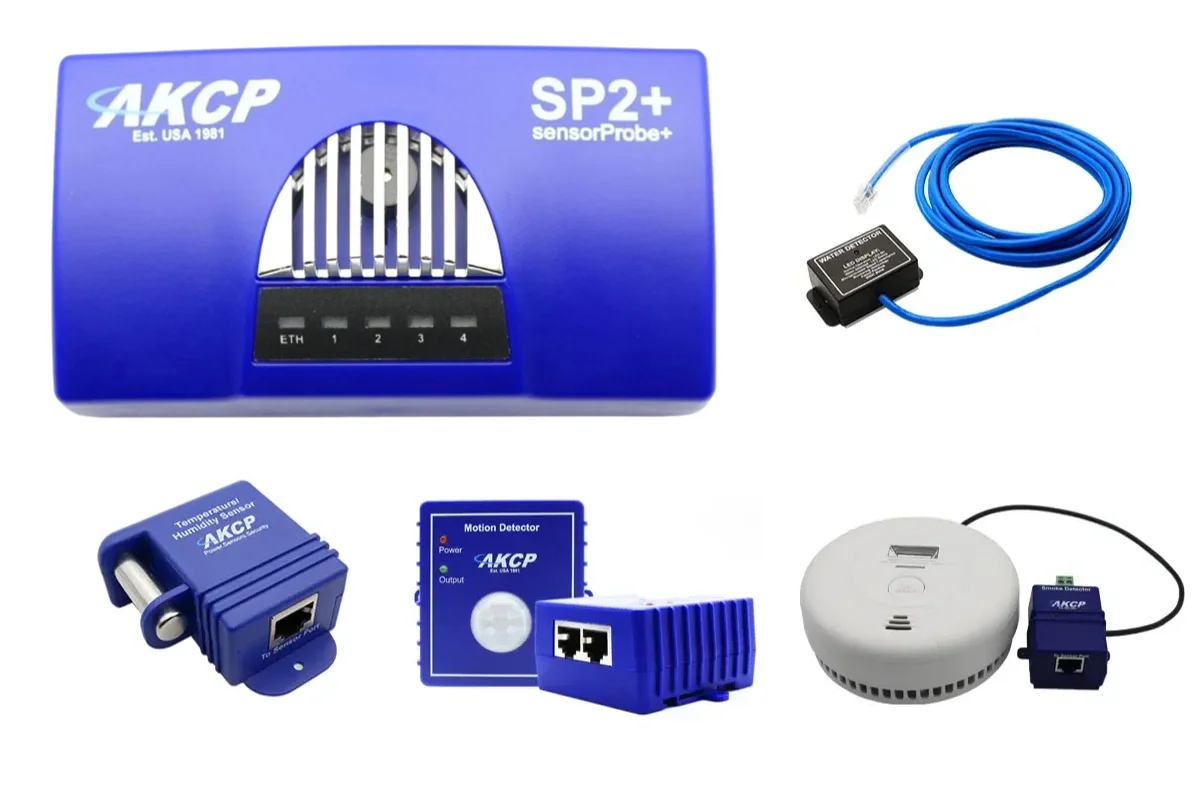
Professional AKCP securityProbe5ES-X20 Alarm Server with twenty potential-free contacts for reliable environmental monitoring in critical IT infrastructures.