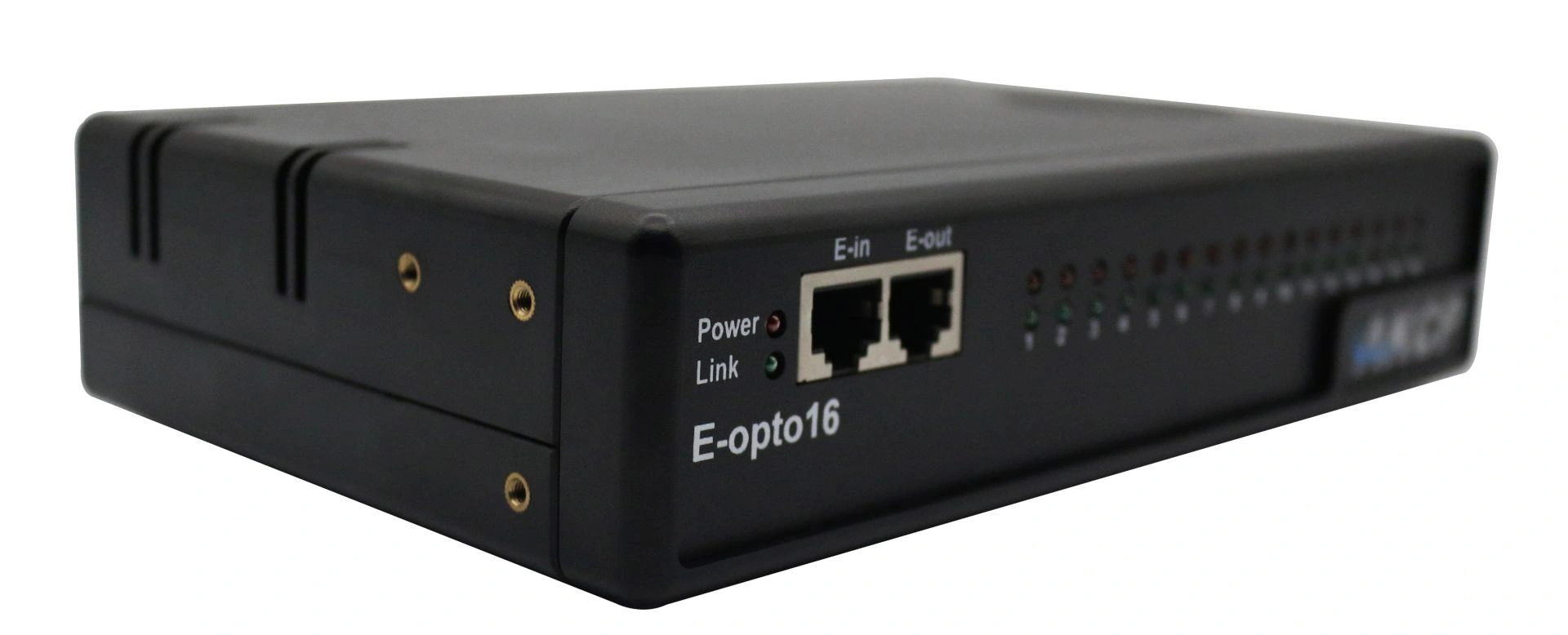
Professional AKCP E-opto16 expansion module with sixteen opto-isolated potential-free contacts for comprehensive server room monitoring and infrastructure monitoring.
High-precision 4-20mA signal converter for seamless integration of analogue industrial sensors into network-based AKCP monitoring systems with web-based remote configuration.
Professional AKCP air velocity sensor for data centres with SNMP monitoring, automatic detection and graphical trend analysis for climate optimisation.
Professional battery monitoring system BATTMON reliably combines DC voltage measurement, current monitoring and temperature detection for critical applications.
The firmware updates listed below each support separate SP+ processors or, as we will call them, platforms. Please note the text files "READ FIRST" and "Firmware Update Instructions" in the firmware download package, as well as the SP+ product manuals, for further details.
There are NO longer combined upgrade packages. Each firmware upgrade package is now separated by the links listed above. Also check your device type (see below) before performing an upgrade. If you attempt to update your device with the wrong .bin file, the firmware upgrade will fail. Therefore, make sure you use the correct file for your device type.
My device type
In the web user interface of the SP+ devices, you can view which platform your device uses.
This can be checked under:
Settings >> General >> System Description
can be checked.
And under Settings:
>> About >> System Description.
If your device does not show F7 or H7 in the system description, it is the F4 type.
Also very important to note:
Any backup configuration created on the F4 platform cannot be uploaded to F7 platform devices and vice versa.
The backup configuration from F7 devices can, however, be uploaded to H7 devices as long as the hardware configuration is identical (e.g. SP2+ to SP2+ & SPX+ to SPX+) and the devices are using the latest firmware (SP2+ to SPX+ does not work).
IMPORTANT NOTE:
Please read the text file "Read First", included in the SP+ firmware package, for instructions on using the IPSet with the SP+ devices.
As a short reminder: the latest MIB file is included in the SP+ firmware download package.
Professional AKCP securityProbe5ES-X20 Alarm Server with twenty potential-free contacts for reliable environmental monitoring in critical IT infrastructures.