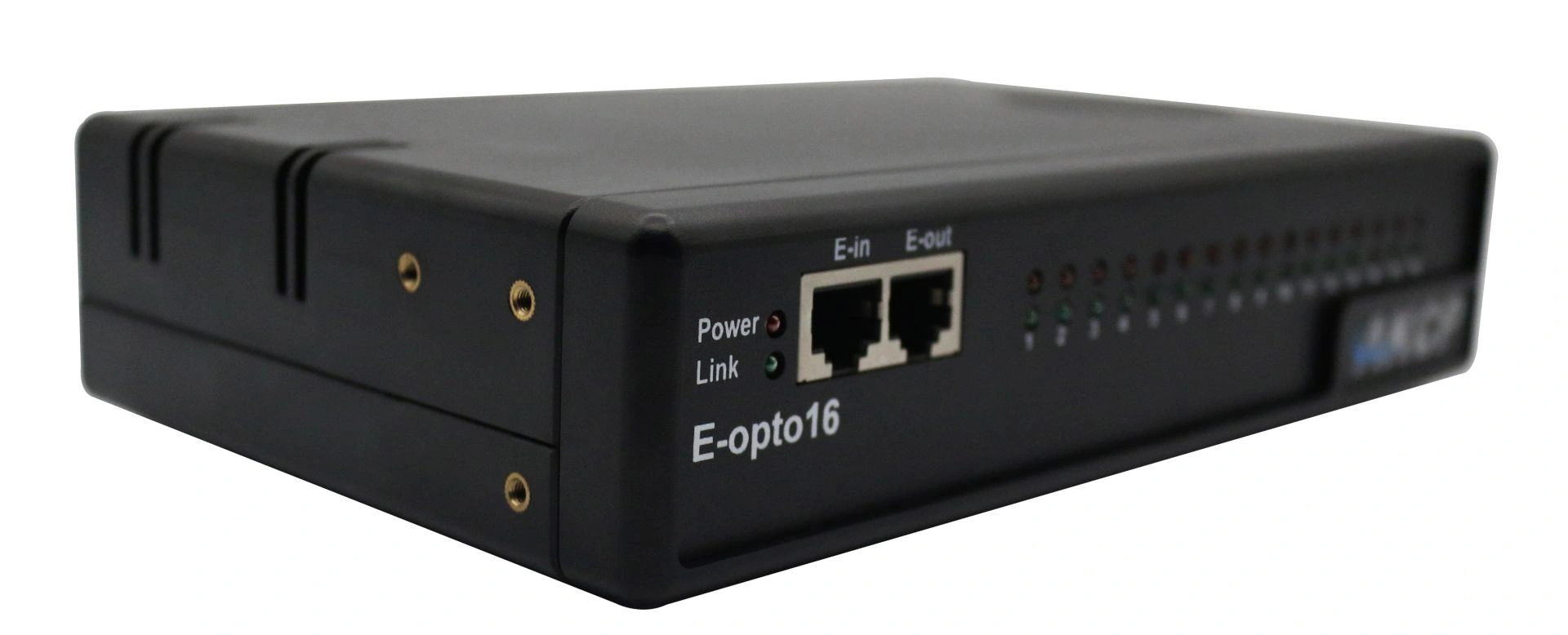
Professional AKCP E-opto16 expansion module with sixteen opto-isolated potential-free contacts for comprehensive server room monitoring and infrastructure monitoring.
High-precision 4-20mA signal converter for seamless integration of analogue industrial sensors into network-based AKCP monitoring systems with web-based remote configuration.
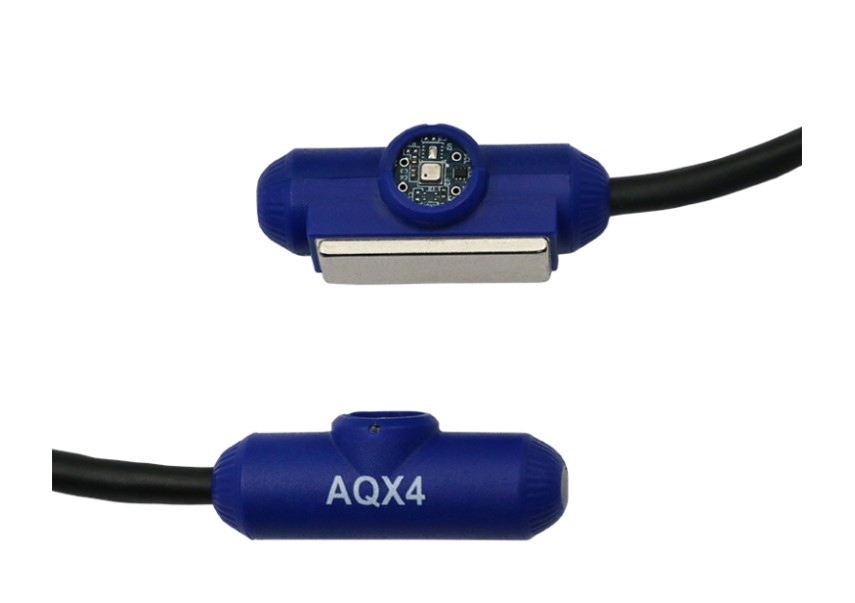
Professional AKCP air velocity sensor for data centres with SNMP monitoring, automatic detection and graphical trend analysis for climate optimisation.
Professional battery monitoring system BATTMON reliably combines DC voltage measurement, current monitoring and temperature detection for critical applications.
The firmware updates listed below each support separate sensorProbe processors – or as we call them, platforms. Please review the "READ ME FIRST" and "Firmware Update Instructions" text files included in the firmware download package, as well as the sensorProbe product manuals for further details.
sensorProbe Firmware Update – Released on 28.06.2021
Only for sensorProbe2 and sensorProbe8
Contents:
md5sum: 83f107f274ed6fda2cd5aa0f21935a98
IMPORTANT NOTE:
sensorProbe2 and SP8 devices with the Atmega128 microcontroller (SPxxxi) are not supported by this firmware version. You can check your device's microcontroller version in the web interface under System >> System Description. If an “I” appears after the firmware version (SPxxxi), your device is using the older Atmega128 microcontroller. Please refer below for the correct firmware version for your SP8 base model.
sensorProbe Firmware Update – Released on 03.03.2025
Only for sensorProbe2 and sensorProbe8
Contents:
md5sum: e8d5625145f72c3541d1ab7e55047b2a
IMPORTANT NOTE:
This firmware is the latest version that supports sensorProbe2 and SP8 devices using the Atmega128 microcontroller (SPxxxi). Again, you can verify your processor version in the web interface under System >> System Description. If you see an “I” after the firmware version (SPxxxi), your device uses the older Atmega128 microcontroller.
After downloading the firmware update file, first extract the compressed file that contains the sensorProbeIPSet utility. Then use sensorProbeIPSet to update the firmware on your device.
Run the sensorProbeIPSet utility on your PC and enter your device’s admin password into the password field of the tool.
You do not need to open or extract the second file that contains the firmware itself.
Just navigate to the compressed firmware file from within the sensorProbeIPSet tool, enter the login admin password, and click "Update".
Having trouble with your update?
IMPORTANT NOTICE:
Are you receiving an error when attempting to update your device to the latest firmware version?
If so, you may need to update in one or two steps, depending on how old the firmware version is that is currently running on your device.
Please download one of the older versions below and upgrade your device accordingly, depending on whether it is a sensorProbe2 or sensorProbe8. Then proceed with the update to the latest version available on our website.
Professional AKCP securityProbe5ES-X20 Alarm Server with twenty potential-free contacts for reliable environmental monitoring in critical IT infrastructures.