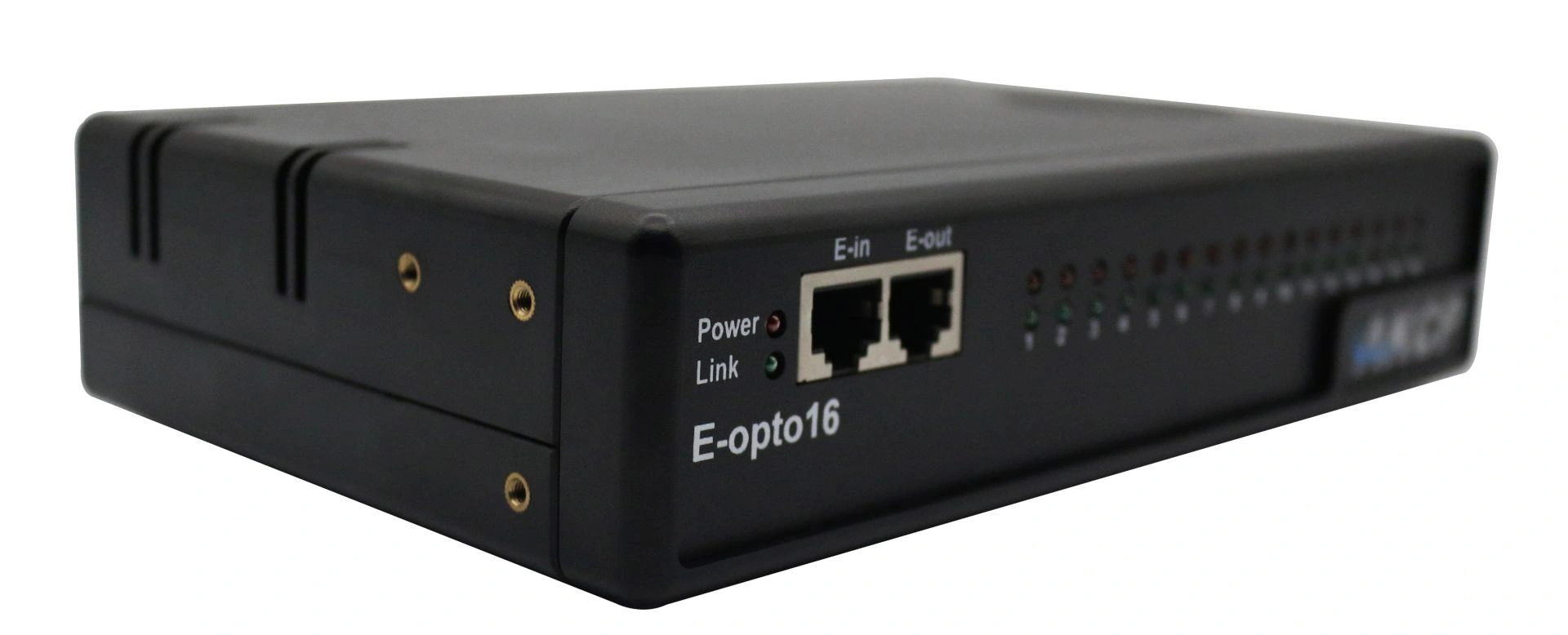
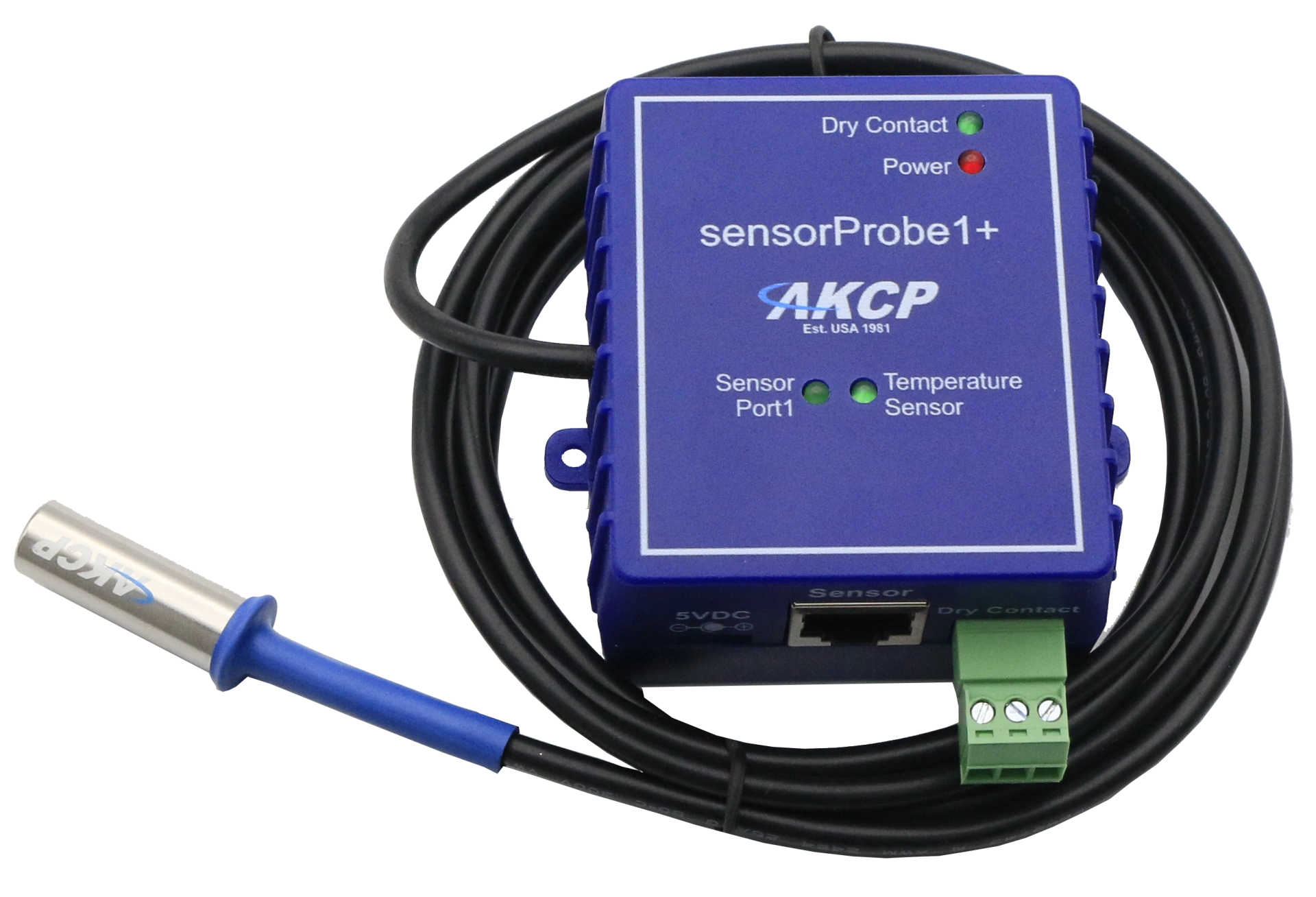
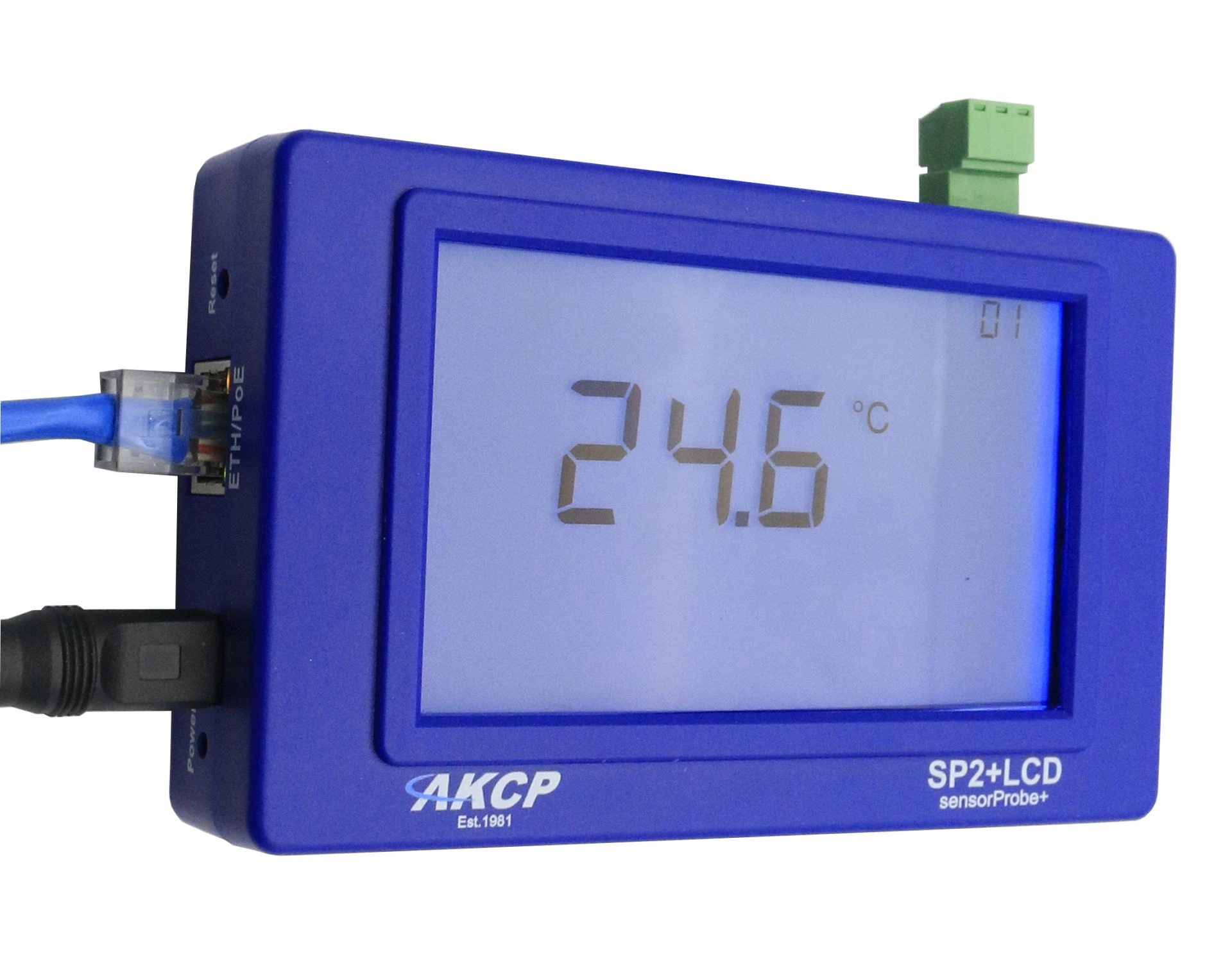
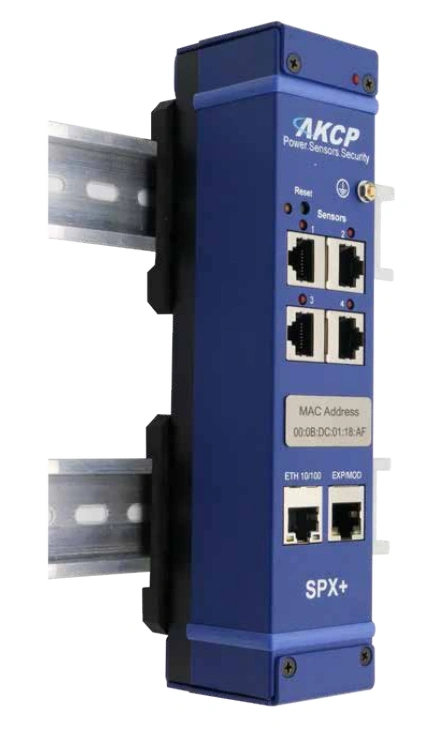
Professional AKCP E-opto16 expansion module with sixteen opto-isolated potential-free contacts for comprehensive server room monitoring and infrastructure monitoring.
The firmware updates listed below support separate WTS processors each, or as we will call them, platforms. Please note the text files "READ FIRST" and "Firmware Update Instructions" in the firmware download package as well as the WTS product manuals for further details.
AKCP SP-WTS Firmware Update - Released on 09.03.2026
To use SP-WTS with the AKCPro Server (APS), at least server software version 16.2.x or higher must be installed.
Please contact our sales team at [info@didactum-security.com](mailto:info@didactum-security.com) to receive a quote and the download link for the current APS software.
Utilities:
Download the current version of IPSet 6.0.0 here (under Utilities) - (Last update: 22 December 2017)
IMPORTANT:
Please read the "Read Me First" file included in the SP-WTS firmware package. It contains important notes on using IPSet with SP-WTS devices.
The latest MIB file is also included in the firmware package.
Browser connections & login issues
Note:
Currently only Google Chrome and Mozilla Firefox are officially supported. Using other browsers may cause display issues in the web interface.
Note on HTTPS connections:
Since 2020, all common browsers (including Chrome and Firefox) have been gradually introducing stricter security policies for HTTPS. These changes may affect the connection to your devices' web interface and the AKCPro Server.
You have two options to avoid connection issues:
Use HTTP instead of HTTPS.
Upload your own valid, trusted HTTPS certificate and add it to your browser's trust list if necessary.
Professional AKCP securityProbe5ES-X20 Alarm Server with twenty potential-free contacts for reliable environmental monitoring in critical IT infrastructures.