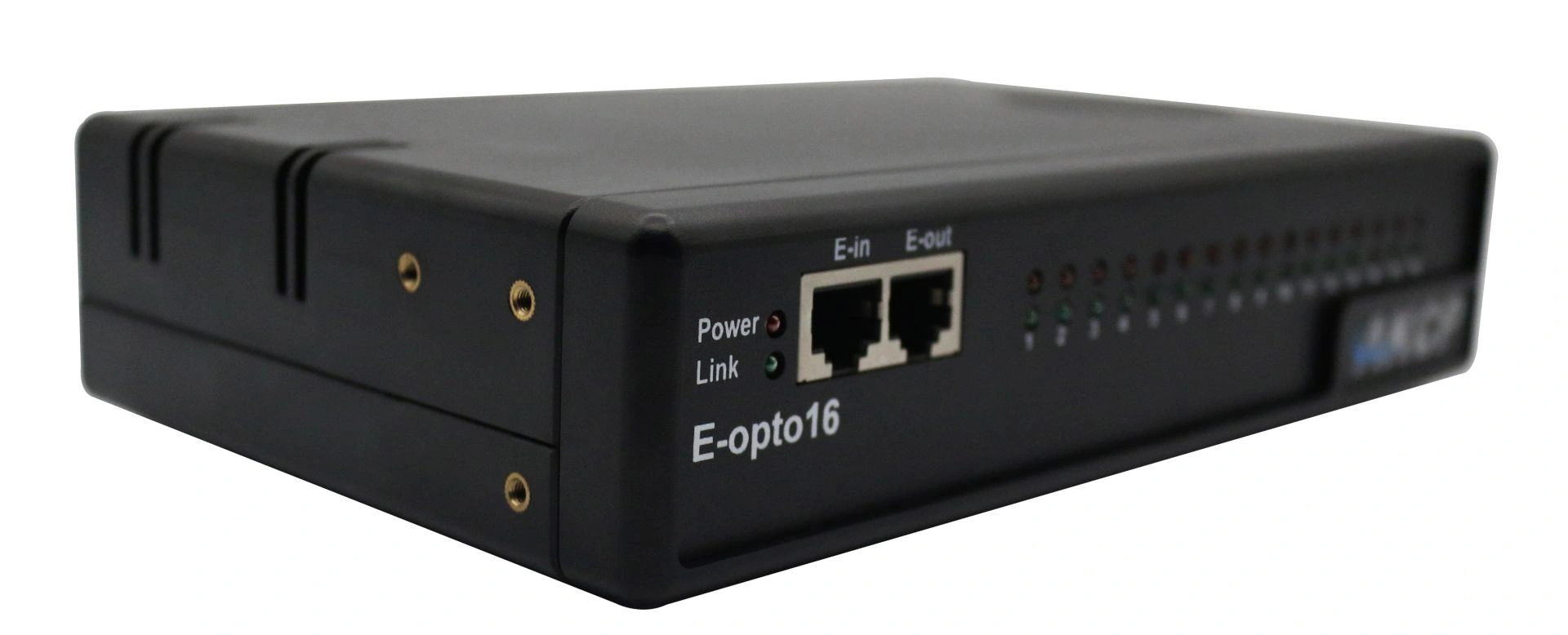
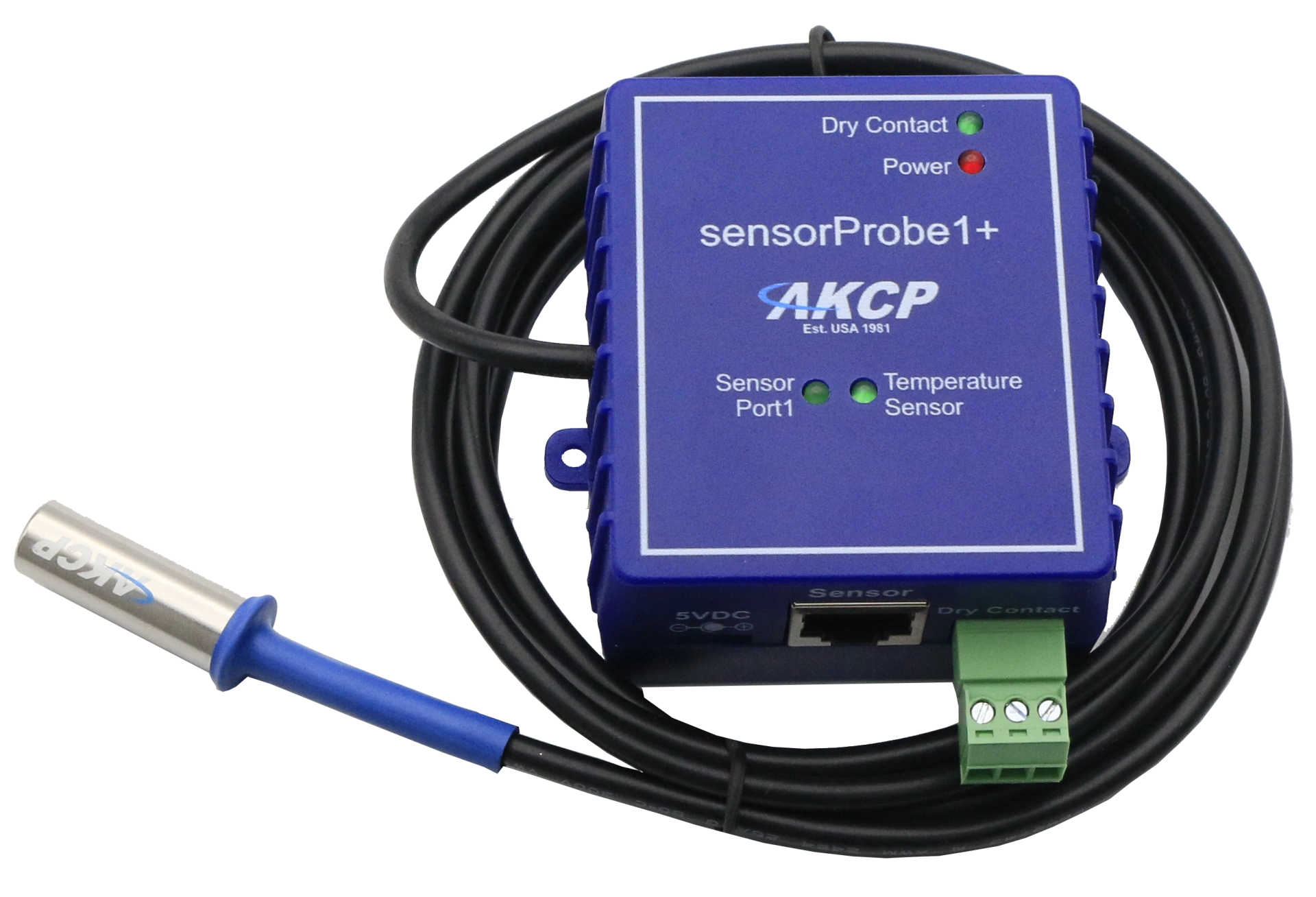
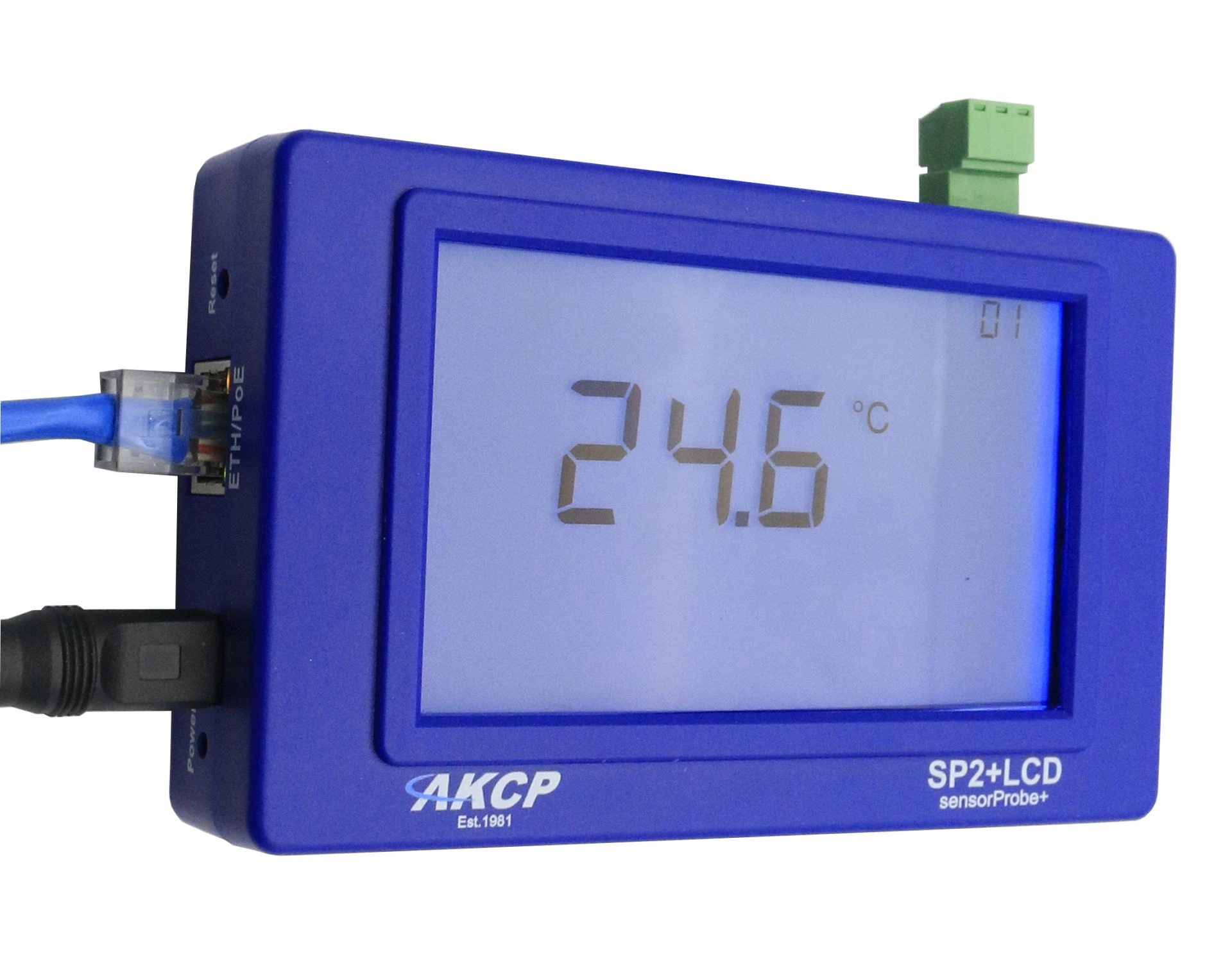
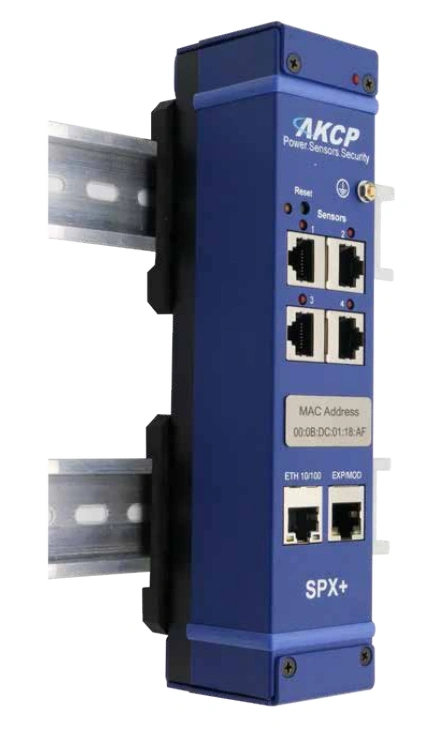
Professional AKCP E-opto16 expansion module with sixteen opto-isolated potential-free contacts for comprehensive server room monitoring and infrastructure monitoring.
The firmware updates listed below each support separate seecurityProbe processors or, as we will call them, platforms. Please note the text files "READ FIRST" and "Firmware Update Instructions" in the firmware download package as well as the sensorProbe product manuals for further details.
AKCP securityProbe Firmware Update - Released on 13.03.2026
Only for base units securityProbe 5E, 5ES / 5ESV, X20 and X60 (“Standard”)
Contents:
md5sum: fee26c73a5dc621a775e4b7fffff284f
IMPORTANT NOTE: This firmware may ONLY be used on the securityProbe 5E, 5ES / 5ESV, X20 and X60 “Standard” base units that use the newer iMX25 processor, and NOT on the securityProbe 5E, 5E-X20 or 5E-X60 base units that use the older PXA processor. You can check the processor type in the device’s web interface.
You can find the processor type used in the device’s web interface under:
Help >> About securityProbe
This firmware must be used with AKCPro Server v15.2.16 or newer to support TMP-NIST sensors (other functions will continue to work with older APS versions).
The TMP-NIST sensors are currently only supported on the SEC5 platform (not on DCU, CCU or E-Sensor8).
Before upgrading from version 406a to this firmware, customers should temporarily disable their notification rules for all dual temperature/humidity sensors to avoid sending incorrect alarm messages. After the upgrade, the notification rules must be re-enabled.
AKCP securityProbe Firmware Update - Released on 03.05.2025
Only for base units securityProbe 5E, 5ES / 5ESV, X20 and X60 (“Standard”)
Contents:
md5sum: b9f3350f966925b6043855cc0c9af4b2
IMPORTANT NOTE: This firmware may ONLY be used on the securityProbe models 5E, 5ES / 5ESV, X20 and X60 (“Standard” base units) that are equipped with the newer iMX25 processor.
Do not use on the models 5E, 5E-X20 or 5E-X60 that use the older PXA processor.
You can find the processor type used in the device’s web interface under:
Help >> About securityProbe
This firmware requires AKCPro Server version 15.2.16 or newer to support TMP-NIST sensors (other functions will continue to work with older APS versions).
The TMP-NIST sensors are currently only supported on the SEC5 platform (not on DCU, CCU or E-Sensor8).
Before upgrading from firmware version 406a to this version, customers should temporarily disable the notification rules for all dual temperature/humidity sensors to avoid false alarm messages.
After the upgrade, do not forget to re-enable the rules.
AKCP securityProbe Firmware Update - Released on 04.08.2017
Only for base units securityProbe, securityProbe 5E, 5E-X20 and 5E-X60
Contents:
md5sum: 9e9945ea85d096fdcd5644a2d0d4a49
IMPORTANT NOTE: This firmware is intended exclusively for upgrading the obsolete securityProbe series with PXA processor.
You can check the processor used in the device’s web interface under
Help >> About securityProbe. If your device is currently running a firmware version older than 404l, the upgrade must be performed in two steps. In this case, please contact AKCP support to obtain version 404l.
Last supported firmware for PXA devices:
Please note: Version 405o is the last firmware supported for the obsolete securityProbe base units with PXA processor.
All subsequent firmware versions are no longer compatible with these devices.
Note for users of older firmware (e.g. version 385 or older):
If you are upgrading from a firmware of the 385 series or older to the 400 series, you should definitely create a backup of your device settings before the update, as some settings may be lost during the upgrade.
Professional AKCP securityProbe5ES-X20 Alarm Server with twenty potential-free contacts for reliable environmental monitoring in critical IT infrastructures.