
Modem SMS-GW3 LTE series - Central LTE gateway


€514.50
The Central LTE SMS Sender for HW group Devices
The HW group SMS-GW3 LTE is a central alarm sender that allows HWg devices, SensDesk portals, and third-party software or hardware to send text messages (SMS) and trigger voice-call alarms. Instead of operating a separate SIM card in every device, all devices in the network use a single SIM card in the SMS-GW3 LTE.
The SMS-GW3 LTE operates over the local network (LAN) in Box-2-Box mode (peer-to-peer), without additional software. Each connected device can send its alarms to different telephone numbers. The recipient numbers are stored directly in the sending device, in the software, or in the portal.
Send Alarms Centrally via SMS and Call
One SIM card, one device in the network, any number of senders: This saves administration effort and costs.
One SIM Card for All Devices
All HW group products in the network send their SMS alarms via a single SIM card.
SMS + Ring
In addition to the SMS, the recipient can be briefly called. The function is configured in the sending device.
Box-2-Box over LAN
Peer-to-peer communication in the local network, without additional software or services.
LTE with External Antenna
An external antenna solves problems at locations with insufficient signal strength.
Many Recipients
A single SMS-GW3 LTE can send messages to dozens of different recipients.
Independent of the Internet
The SMS-GW3 LTE sends messages from every connected device, even without an Internet connection.
Internal Queue
The internal memory holds up to 100 outgoing SMS messages.
Open Interfaces
SNMP, XML, and netGSM (HTTP, SOAP) for connecting third-party systems.
Available as Version G plain or Version G
The SMS-GW3 LTE is available as a LAN/LTE gateway for SMS and voice-call notifications in two versions. Both are intended for HW group devices; Version G is the recommended global version.
Please note: The version must be selected above the shopping cart button via the “Select SMS-GW3xx variant” option so that the desired version is ordered. The SIM card is not included with either version.
SMS-GW3 LTE G plain
Basic device for SMS and voice-call notifications. An external SMA antenna and a power supply are required and must be provided separately.
SMS-GW3 LTE G
Complete set with external SMA quad-band antenna (3 m cable) and power supply (EU/UK/US). Ready for immediate use as soon as a SIM card is inserted.
How the SMS-GW3 LTE Is Constructed
The SMS-GW3 LTE is housed in a compact metal enclosure (98 x 92 x 33 mm, 222 g) and can be mounted on the wall or on a DIN rail.
Status LEDs
On the top there are four LEDs labeled Power, Status, Modem, and Alarm.
SIM Card Slot
The SIM card is inserted on the side of the housing (labeled “SIM Card”). It is not included in the scope of delivery.
Ethernet Port
RJ45 socket (labeled “Ethernet”) for connection to the LAN at 10/100 Mbit/s.
Antenna Connection (SMA)
Connection for the external SMA quad-band antenna with 3 m cable. It improves reception at locations with a weak signal.
Power Supply
The manufacturer specifies two connection types: barrel connector (inner 2.1 mm, outer 5.5 mm) and terminal block. Supply voltage 9–30 V, current consumption 250 mA.
LTE Modem
The integrated modem supports LTE, WCDMA, and GSM and sends the SMS and voice-call alarms of the connected devices.
Internal Message Queue
Outgoing SMS messages are first stored in an internal memory for up to 100 messages.
Three Ways to SMS and Call Alarming
The SMS-GW3 LTE can be used by HW group devices, by the SensDesk portal, and by third-party systems.
1) Device-to-GW: Alarms Directly from HWg Devices
- Multiple HWg devices (e.g. LAN thermometers, energy monitoring) connect to a single SMS-GW3 LTE
- No additional software or service is required, only the monitoring device and the SMS-GW3 LTE
- Communication over the local network in Box-2-Box mode (peer-to-peer)
- The sending device receives the IP address of the SMS-GW3 LTE and the recipient’s telephone number in its web interface
- Each device can alarm different recipients
- In addition to the SMS, the recipient can be briefly called (Ring, configurable in the sending device)
2) Portal-to-GW: Alarms from the SensDesk Portal
- Any SensDesk portal installation (SaaS or on-premise) can use the SMS-GW3 LTE for alarms (Ring + SMS)
- The SMS-GW3 LTE must be reachable from the portal: in the same LAN, via a public IP address, or via VPN
- One SIM card and phone number can alarm multiple recipients from multiple teams (company accounts) of the portal
- The alarm conditions are defined in the portal, as are the recipients’ telephone numbers
- Alarming via the portal is considered particularly reliable, as a Device Invalid message is possible (device disconnected from the portal for approx. 60 minutes)
3) Third-Party Software and Hardware
- Via open interfaces: netGSM (SOAP, HTTP POST), HTTP GET, and SNMP Write
- Additional interfaces mentioned by the manufacturer: XML
- Nagios: A plugin enables SMS alarms via the SMS-GW3 LTE. It was developed in cooperation with Netways (notify-poseidon-sms.pl). The recipients’ telephone numbers are in the plugin configuration
- Plugins or calls for Nagios, Wget, cURL, and PRTG
- The manufacturer’s Application Note “How to send SMS via HWg-SMS-GW3” describes the use in third-party systems
From Alarm to SMS
- The SMS-GW3 LTE is connected to the LAN and fitted with a SIM card and antenna
- A device, software, or the portal triggers an alarm and sends the message to the IP address of the SMS-GW3 LTE
- The recipient number comes from the configuration of the sending system
- The SMS-GW3 LTE places the message in its queue (up to 100 messages)
- The SMS-GW3 LTE sends the SMS over the mobile network to the recipient
- Optionally, it also briefly calls the recipient (SMS + Ring)
Web-Based Setup and Configuration
Configuration is carried out in the browser: Enter the IP address of the SMS-GW3 LTE in the address bar.
- Home: Overview
- SMS Queue: Incoming and outgoing queue with telephone number, time, and message; entries can be deleted
- General Setup: Basic settings
- Time: Time settings
- GSM Modem: Modem settings
- SNMP: SNMP settings
- System: System functions
- Sending SMS directly from the web interface is possible
- A factory reset is possible within the first 60 seconds after power-on via HWg-Config
- HWg-Config assigns IP addresses to HW group network devices
Mounting and Commissioning
Installation should be carried out by qualified specialist personnel.
- Select mounting type: wall mounting or mounting on a DIN rail
- Insert SIM card (not included)
- Connect the external SMA antenna and position it so that sufficient signal strength is available
- Connect the Ethernet cable to the LAN
- Connect the power supply (9–30 V)
- Enter the IP address in the browser and configure the SMS-GW3 LTE via the web interface
- In the sending devices or in HWg-Trigger or in the SensDesk portal, enter the IP address of the SMS-GW3 LTE and the recipient numbers
- For the SensDesk portal, ensure that the SMS-GW3 LTE is reachable via a public IP address or VPN
Devices, Software, and Services
The SMS-GW3 LTE is tailored to HW group products and can be connected to other systems.
HW group Devices
- Poseidon2 (e.g. 3266, 3268, 3468, 4002)
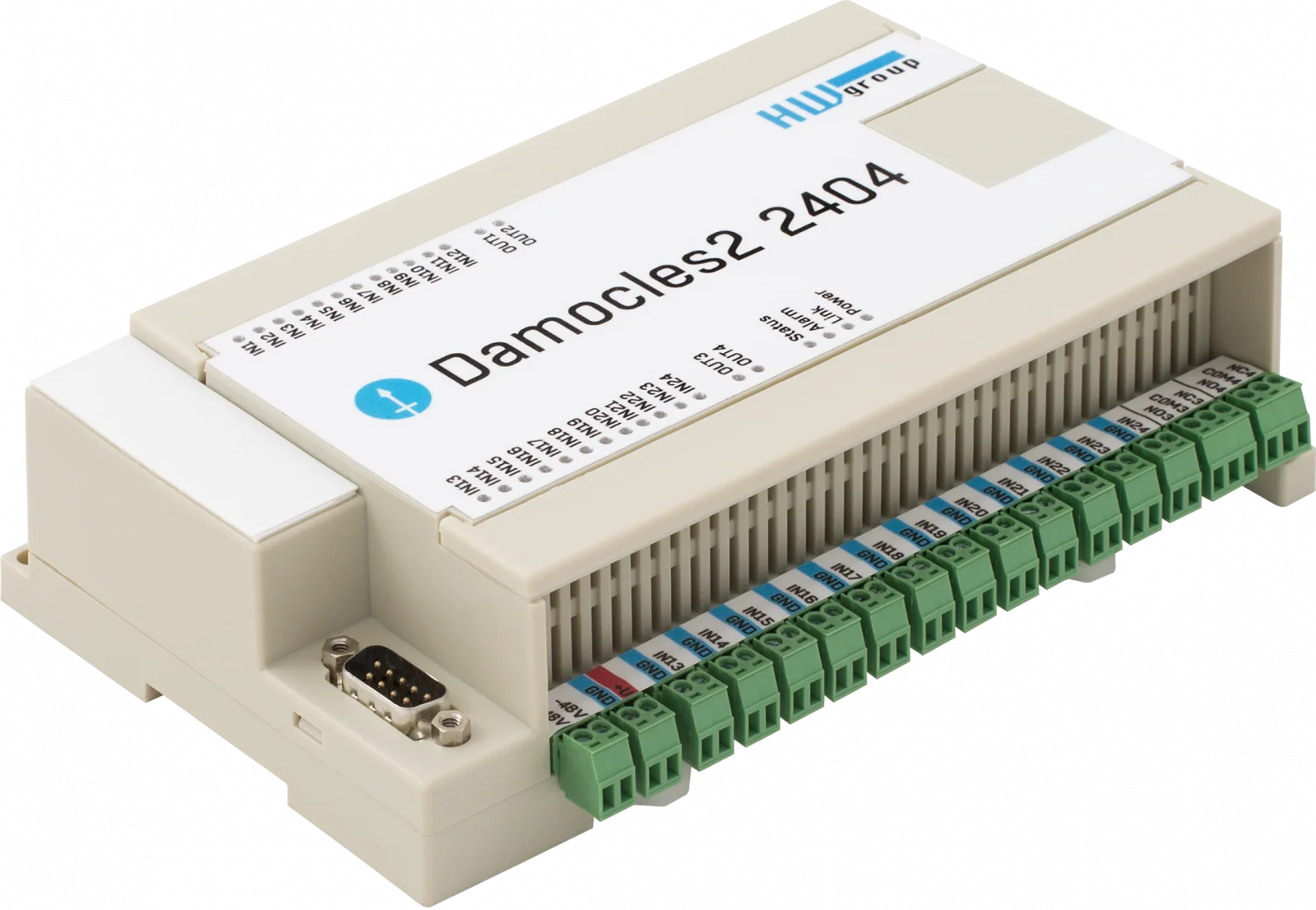
- Damocles2 (e.g. MINI, 1208, 2404)
- WLD2 (water leak detector)
- STE2 family (e.g. STE2 PLUS, STE2 LITE, STE2 R2)
- HWg-PWR 3/12/25
- IP WatchDog2 (Industrial, Lite)
- Perseus (Industrial, Energy, Monitoring), according to the manufacturer’s page in the device overview of the SMS-GW3 LTE
- HWg-DCD2 sends a text message in the event of unauthorized access to your rack
Software and Services
- HWg-Trigger: can notify by SMS about connection problems of any device in the network
- HWg-DCD and HWg-DCD2
- HWg-PDMS
- SensDesk.com and SensDesk portals (SaaS or on-premise)
- Nagios (plugin in cooperation with Netways)
- Wget, cURL, and PRTG
- HWg-SDK with programming examples (Borland C++ Builder, MS Visual C, VB, Delphi, C#, PHP, JAVA)
Notes on Installation
Please note: Installation only by qualified specialist personnel. Use a suitable power supply that complies with local electrical regulations. Do not install in environments with explosive gases or vapors.
Why the SMS-GW3 LTE Is the Right Choice
One SIM for Everything
All HW group devices alarm via one SIM card.
No Additional Software
Box-2-Box operation over LAN, simple setup in the browser.
SMS + Ring
Combined SMS and call notification.
Globally Deployable
Version G with extended LTE and WCDMA bands.
Open for Third-Party Systems
SNMP, XML, netGSM, HTTP GET as well as Nagios, PRTG, cURL, Wget.
24-Month Warranty
According to the manufacturer.
Typical Areas of Use
- Server rooms and data centers: monitoring of environment and access
- Rack and cabinet monitoring via LAN and LTE
- Industry and infrastructure with Poseidon2, Damocles2, and Perseus
- Energy monitoring with HWg-PWR
- Water leak alarming with WLD2
- Alarming in the event of unauthorized access to the rack with HWg-DCD2
- Connection monitoring of network devices with HWg-Trigger
- Central SMS alarming for Nagios and other third-party systems
- Locations without Internet connection
Frequently Asked Questions
What is the SMS-GW3 LTE and what is it used for?
The SMS-GW3 LTE is a central sender for SMS alarms and voice-call notifications. HW group devices, SensDesk portals, and third-party systems use it to send alarms by SMS and call to mobile phones. It is connected via the LAN and contains the SIM card.
Are there options or variants?
Yes. The SMS-GW3 LTE G plain is the basic device, for which an external SMA antenna and a power supply are required. The SMS-GW3 LTE G includes the external antenna and a power supply (EU/UK/US). Version G is the recommended global version.
Is the SIM card included in the scope of delivery?
No. The SIM card is not included and must be provided by the operator.
Do I need additional software?
No. For HW group devices, the SMS-GW3 LTE works in Box-2-Box mode (peer-to-peer) over the LAN without additional software. Setup is carried out in the browser.
Where are the recipients’ telephone numbers entered?
In the sending device, in the software (e.g. HWg-Trigger), or in the SensDesk portal. A single SMS-GW3 LTE can send messages to dozens of different recipients, and each device can alarm different numbers.
What does SMS + Ring mean?
In addition to the text message, the recipient is briefly called; the phone rings for a short time. The function is configured in the sending device.
Which devices and software are compatible?
Poseidon2, Damocles2, WLD2, the STE2 family, HWg-PWR 3/12/25, and IP WatchDog2 as well as HWg-Trigger, HWg-DCD, HWg-PDMS, Nagios, and the SensDesk portal. Third-party systems are connected via netGSM, HTTP GET, SNMP Write, or XML.
Can the SMS-GW3 LTE be used by the SensDesk portal?
Yes, with SaaS and on-premise installations. The SMS-GW3 LTE must be reachable from the portal, in the same LAN, via a public IP address, or via VPN. For SMS and calls from SensDesk.com, a device with a fixed IP is required.
Does the SMS-GW3 LTE work without an Internet connection?
Yes. It sends messages from every connected device even if there is no Internet connection, because it sends over the mobile network.
What to do in case of weak mobile reception?
An external antenna can solve problems at locations with insufficient signal strength. The SMS-GW3 LTE G includes an SMA quad-band antenna with 3 m cable; with the plain variant, an external SMA antenna is required.
How many messages can the SMS-GW3 LTE buffer?
The internal memory for outgoing SMS holds up to 100 messages.
What power supply is required?
The manufacturer specifies 9–30 V at 250 mA current consumption, connection via barrel connector (inner 2.1 mm, outer 5.5 mm) or terminal block. Use a power supply that complies with local electrical regulations.
How can I mount the SMS-GW3 LTE?
On the wall or on a DIN rail. For DIN rail, the manufacturer offers the DIN Rail mounting kit; for racks, 19-inch rack mounting brackets and a 1U rack shelf are available, among other options.
Can I use the SMS-GW3 LTE in hazardous areas?
No. The manufacturer prohibits installation in environments with explosive gases or vapors.
Questions about the SMS-GW3 LTE?
Our support team in Germany provides free advice on selection, sensors, and configuration.
- SMS-GW3 LTE E plain
Central GSM-SMS-LTE gateway for HW group sensors.
GSM LTE modem included, external SMA antenna required.
Version E is used in most EU countries. - SMS-GW3 LTE E
Central GSM-SMS-LTE gateway for HW group sensors.
GSM LTE modem included, external antenna and power adapter included.
Version E is used in most EU countries. - SMS-GW3 LTE G plain
Requires an external SMA antenna and power adapter.
Version G is the recommended global version. - SMS-GW3 LTE G
External antenna and power adapter (EU/UK/US) included.
Version G is recommended for global use.
- Connection: Ethernet 100 Mbit/s, LTE/GSM/GPRS
- Interface:
- SMS-GW3 LTE E plain / E: FDD LTE bands (B1/B3/B5/B7/B8/B20), WCDMA bands (B1/B5/B8), GSM bands (900/1800 MHz) for Europe
- SMS-GW3 LTE G plain / G: FDD LTE bands (B1/B2/B3/B4/B5/B7/B8/B12/B20), WCDMA bands (B1/B2/B4/B5/B8), GSM bands (900/1800 MHz) for global use, including North America
- Antenna:
- E/G versions: External, SMA quad-band, 3 m cable
- Plain versions: No external antenna, for built-in installation or areas with strong signal
- Protocols: SNMP, XML, netGSM (HTTP, SOAP)
- Power supply: 9–15 V / 0.4 A (external power adapter, e.g., HWg-600528)
Installation:
- Connect to the network via Ethernet cable (100 Mbit/s)
- Insert a SIM card for LTE/GSM connection
- Connect the external antenna (for E/G versions) for weak network coverage
- Power supply via 9–15 V power adapter (e.g., HWg-600528)
- Configure via web interface (enter IP address in browser), define recipient phone numbers in sending devices (e.g., Poseidon2) or software (e.g., HWg-Trigger, SensDesk)
Safety instructions:
- Installation only by qualified personnel
- Use a suitable power adapter compliant with local electrical regulations
- No installation in environments with explosive gases or vapors
- Complies with EU regulations and industry standards
Further monitoring devices




Accessories

DB9 LapLink Cable 2m A LapLink cable (also known as Lablink or null-printer cable) is a cable used to connect two computers directly via a cable connection. Housing: Plastic Type: Cable

Mounting Plate D Bracket for Ares and Poseidon2 Operating environment: -3°C - 85°C / 0%RH - 100%RH Storage environment: -30°C - 60°C / 5%RH - 95%RH Dimensions: 74 x 6 x 120 (W x H x D) / 58g Warranty: 24 months Wall mounting plate for Ares, Poseidon2 3266/68 and other products.

DIN-Rail Box Set A mounting kit for installing HW-group devices on a DIN rail. Applications and Use: Mounting kit for installing HW-group devices with metal housing on a DIN rail. Operating environment: -30°C - 85°C / 0%RH - 100%RH Storage environment: -30°C - 60°C / 5%RH - 95%RH Dimensions: 45 x 11 x 105 (W x H x D) / 22g

Mounting Kit Screw set for mechanical mounting Applications and Use: Screw set for mechanical fastening


Mounting Plate E- 1U Rack (cabinet) mounting plate, 1U mounting for HW-group Ares and Poseidon2 devices Operating environment: -30°C - 85°C / 0%RH - 100%RH Storage environment: -30°C - 60°C / 5%RH - 95%RH Dimensions: 127 x 45 x 94 (W x H x D) / 137g Warranty: 24 months Rack (cabinet) mounting plate, 1U mounting for HW-group Ares, Poseidon2 3266/3268 and other products.

Mounting Plate L DIN Rail DIN rail mounting plate for Ares, Poseidon2 3268, and other products. Features: Metal housing Wall mounting Applications and Use: Profiles for metal-encapsulated HWg devices for wall mounting. Dimensions: 150 x 120 x 45 (W x H x D) / 65g Warranty: 24 months


Mounting Kit for Poseidon2 4002 and HWg-SMS-GW3 Applications and Use: Mounting kit for Poseidon2 4002 and HWg-SMS-GW3 Operating environment: -30°C - 85°C / 0%RH - 100%RH Storage environment: -30°C - 60°C / 5%RH - 95%RH Dimensions: 136 x 45 x 16 (W x H x D) / 165g Warranty: 24 months


Rack Shelf 1U A versatile solution for easy mounting of HW-group devices in 1U racks. Operating environment: -30°C - 85°C / 0%RH - 100%RH Storage environment: -30°C - 60°C / 5%RH - 95%RH Dimensions: 485 x 44 x 104 (W x H x D) / 597g Warranty: 24 months Housing: Metal Type: Wall mounting This shelf makes it easy to use devices in racks. You can even combine different 1U products and sensors.


Software


Manufacturer information:
HW group s. r. o.
Rumunská 26
Prague, 120 00
Czech Republic
Phone: +420 222 511 918
Email: sales@hwg.cz
Responsible person:
Didactum® Security GmbH
Im Mühlenfeld 4
48163 Münster
Deutschland
Fon:
(+49) 250 19 71 63 54 / (+49) 171 33 11 577
Email: info@didactum-security.de
