
Smoke detector FDR26 - Precise smoke detection


€97.80
The Optical Smoke Detector for Server Rooms and Industry
The HW group Optical Smoke Detector FDR26 is an optical smoke detector for smoke detection and fire alarm signaling. The detector detects combustion products in the air using an optical detection chamber and does not respond to temperature changes.
This makes it suitable for all rooms with fluctuating temperatures, such as IT server rooms, telecom facilities, food processing, or boiler rooms. When the smoke detector detects smoke, it switches a relay that is evaluated by a connected HW group device and reported via LAN, GSM, SNMP, or email.
Reliable Smoke Detection Without Temperature Influence
The FDR26 reports smoke only – temperature fluctuations in the room do not trigger an alarm.
Optical Detection Chamber
Detects smoke particles that enter the detection chamber.
No Temperature Dependence
Does not respond to temperature changes – ideal for air-conditioned rooms and environments with fluctuating temperatures.
Red LED Alarm Indicator
The alarm is indicated by a red LED on the detector.
Relay Output
In the event of smoke, a relay is activated (normally open, can be changed to normally closed via jumper).
Magnetic Test Function
A magnet test at the “TEST” label activates the electronics and relay – without any smoke.
10.5–14 V DC
Operates on 12 V DC; an external power supply is required.
How the FDR26 Smoke Detector Is Constructed
The detector consists of a base and a detector head. The base is permanently installed and wired, after which the head is plugged on. The FDR26 is designed for wall or ceiling mounting in indoor areas and weighs approximately 185 g.
Detector Head with Optical Detection Chamber
Smoke enters here and is optically detected. The head is factory-sealed and must not be opened. When attaching, align the long and short markings of the head and base; then firmly rotate the head clockwise.
Base with Screw Terminals (Terminal Block)
Power supply and relay contact are connected via the terminals. The base can be mounted directly onto an electrical junction box without a mechanical adapter: octagonal (75, 90, or 100 mm), round (75 mm), or square (100 mm).
Alarm Relay with Jumper
The alarm contact is designed as normally open (NO) and resets automatically in the event of an alarm. Next to the relay on the circuit board is a jumper that can be used to change the idle state to normally closed (NC). To do this, remove the detector cover by loosening two screws on the rear side.
Status and Alarm LED
In normal operation, a green LED flashes every 3–5 seconds. In the event of an alarm, the LED lights continuously; the alarm is indicated by a red LED.
Test Marking (“TEST”)
A magnet at the “TEST” label activates the electronics and the relay to check the function without smoke.
Placement and Mounting
The following manufacturer recommendations apply for optimal smoke detection.
- Place in the center of the room on the ceiling, at least 50 cm away from corners
- Maximum distance between two detectors: 8 m
- Maximum distance to the wall: 4 m
- For rooms longer than 10 m, two detectors are recommended
- Mount on ceiling or wall in accordance with the fire protection standard of the respective country
- Lay cables flat to the terminals and secure them away from the connection terminals
- Mount the base first; only attach the detector head after all construction work is complete
- According to the manual, a maximum of 30 detectors are permitted in one loop
Cover the detector until cleaning: To avoid contamination and loss of warranty, the smoke detector must remain covered until the area is clean and dust-free. The detector head may only be installed after thorough cleaning of construction debris and dust.
Important notes: No jumpers may be placed between terminals 2 and 5 so that voltage monitoring functions. If a jumper was placed between terminals 2 and 5 to test loop continuity, it must be removed before attaching the head. The FDR26 is not suitable for areas with air velocities above 300 ft/min. Installation only by qualified specialist personnel; not in environments with explosive gases or vapors.
Functional Testing and Care
All alarm, extinguishing, and triggering devices must be switched off during the test and immediately reactivated afterwards.
- After approximately one minute under voltage, the green LED flashes every 3–5 seconds; if it does not flash, check the wiring or replace the detector
- Direct smoke from a cotton wick or test smoke aerosol into the detection chamber for at least 10 seconds
- With sufficient smoke, the detector triggers an alarm and the LED lights continuously
- Before testing further detectors in the same zone, reset the detector and/or control panel
- If the detector does not trigger, it is defective and must be serviced
- Alternatively: function test with a magnet at the “TEST” label
- Maintenance: clean the detector head of dust with a vacuum cleaner at least once a year
- The cleaning schedule should be adapted to the respective environment (in accordance with NFPA-72A)
Do not open: The detector head is factory-sealed and not intended for maintenance by the user. Opening the detector head will void the warranty.
Connection to HW group Devices
The smoke detector is connected via the relay output to a digital input (dry contact) of a monitoring device.
- Poseidon2 (e.g. 3268, 3468, 4002) and STE2 (e.g. STE2 PLUS, STE2 R2)
- Ares (e.g. HWg-Ares 12, Ares 12 LTE) and Damocles2
- Perseus Monitoring and Perseus Industrial
- NB-2xIn for IoT monitoring of smoke detectors
- Reporting via LAN, GSM, SNMP, or Modbus/TCP
- Alarming via email, SMS, or SNMP trap
- Evaluation and Excel export with the free HWg-PDMS software
- Visualization in the SensDesk portal, also via Android or iOS app
Please note: A power supply is not included in the scope of delivery. The smoke detector requires an external supply of 10.5–14 V DC (typically 12 V DC) in accordance with local electrical regulations.
Commissioning in a Few Steps
- Mount the base at the selected location on the junction box and connect the cables
- Optional: Change the relay from normally open (NO) to normally closed (NC) via jumper
- Connect the relay contact to a digital input (dry contact) of the HW group device
- Connect the external 12 V DC supply
- Only attach the detector head after completion of construction work and cleaning, and firmly rotate it clockwise
- Test the function with test smoke or magnet test and configure the alarming on the device
Why the FDR26 Smoke Detector Is the Right Choice
Optical and Temperature-Independent
Responds only to smoke and reduces false alarms.
Simple Connection
Relay output for digital inputs of Poseidon2, Ares, STE2, and Damocles2.
Remote Monitoring
Reporting via LAN, GSM, SNMP, email, or SMS.
Test Function
Functional check via magnet without smoke.
Flexible Output
Relay can be used as normally open or normally closed via jumper.
24-Month Warranty
According to the manufacturer from the date of purchase.
Typical Areas of Use
- Server rooms and data centers: early smoke detection, e.g. in the event of cable fires
- Telecommunications rooms and telco systems
- Food processing and kitchens
- Heating and boiler rooms
- Mobile radio base stations (BTS monitoring)
- Hotels and hostels: fire and water leak monitoring
- Rack and cabinet environments via LAN and LTE
- Schools and public buildings
Frequently Asked Questions
What is the FDR26 smoke detector and what is it used for?
The HW group Optical Smoke Detector FDR26 is an optical smoke detector for smoke detection and fire alarm signaling. It is used, among other places, in server rooms, telecom facilities, food processing, and boiler rooms, and activates a relay in the event of smoke.
Are there options or variants?
No, the FDR26 smoke detector is offered without variants.
Does the smoke detector respond to temperature changes?
No. The FDR26 uses an optical detection chamber and does not respond to temperature changes. Therefore, it is suitable for rooms with fluctuating temperatures.
Does the smoke detector need its own power supply?
Yes. The detector is operated with 10.5–14 V DC (typically 12 V DC). The power supply is not included in the scope of delivery.
How do I connect the smoke detector to a monitoring device?
The relay contact is connected to a digital input (dry contact) of a device such as Poseidon2, Ares, or STE2. The device then reports the alarm via LAN, GSM, SNMP, email, or SMS.
How do I test the smoke detector?
Direct smoke from a cotton wick or test smoke aerosol into the detection chamber for at least 10 seconds; the LED then lights continuously. Alternatively, a magnet test at the “TEST” label checks the electronics and relay without smoke.
How is the smoke detector maintained?
At least annual cleaning of the detector head from dust with a vacuum cleaner is recommended. The detector head must not be opened, otherwise the warranty will be voided.
Questions about the FDR26 Smoke Detector?
Our support team in Germany provides free advice on selection, sensors, and configuration.
Technical Data:
- Detection: Optical detection chamber (smoke particles)
- Alarm Indication: Red LED, switching relay (1A/30V DC, 0.5A/125V AC)
- Power Supply: 10.5–14V DC (typically 12V DC, external adapter required, not included)
- Startup Time: 60 seconds
- Detection Area: Max. 40 m², max. 7 m height
- Spacing Recommendation: Max. 8 m between detectors, max. 4 m from walls
- Max. Air Velocity: 600 m/min
- Operating Environment: -10 °C to +65 °C, 5% to 95% relative humidity (non-condensing)
- Protection Class: IP20
- Connection: Connection via digital inputs (dry contact) to Poseidon2, Ares, or STE2
Installation:
- Placement in the center of the room on the ceiling, at least 50 cm from corners
- For rooms longer than 10 m, two detectors are recommended
- Connection via digital inputs (dry contact) to the monitoring system
- Power supply via external 12V DC power adapter (not included)
- Magnet test at the "TEST" label for checking the electronics and relay function
Safety Instructions:
- Installation only by qualified personnel
- Power supply must comply with local electrical regulations
- Do not install in environments with explosive gases or vapors
- Complies with EU regulations and industry standards
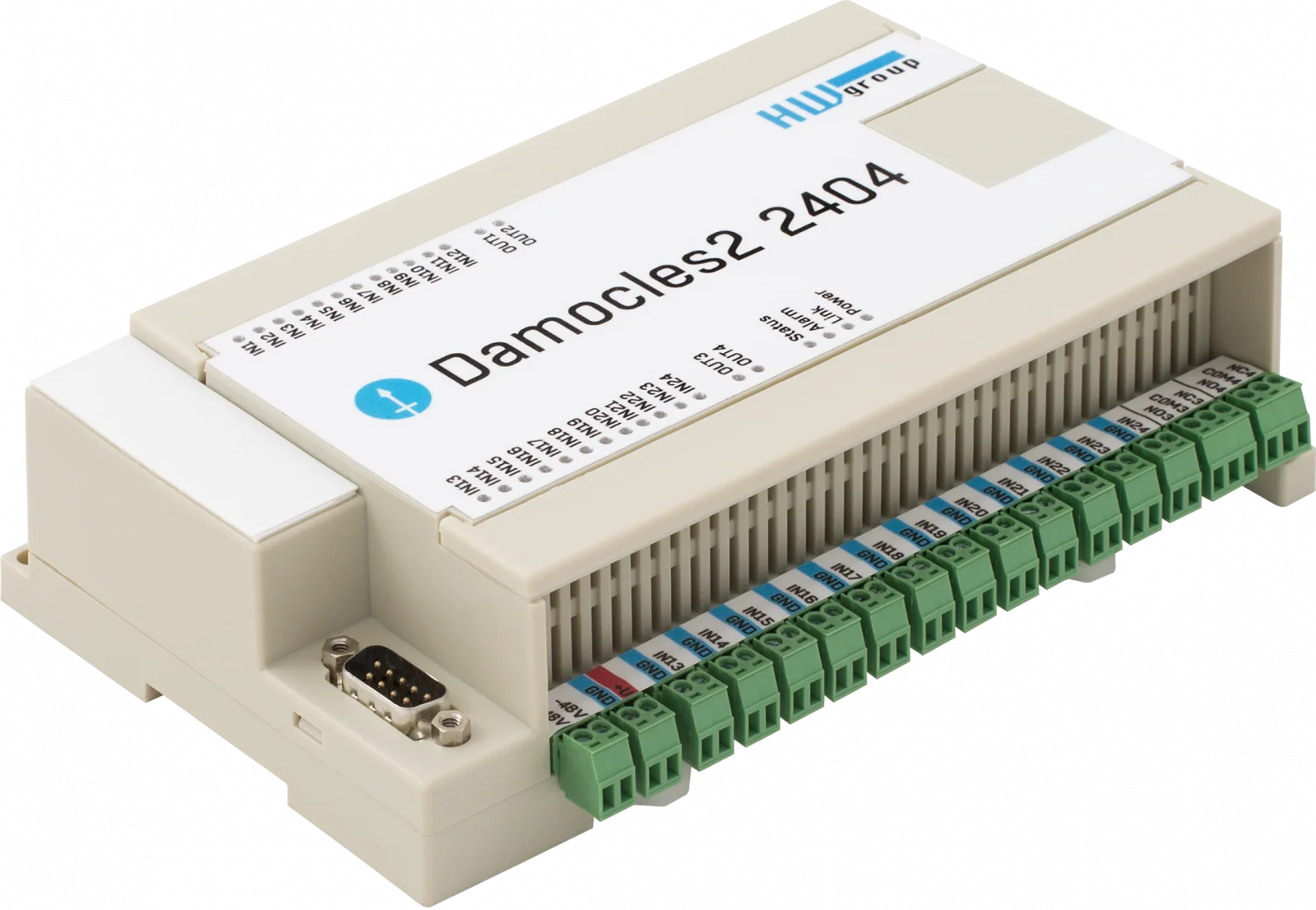
Monitoring devices




Other available sensors


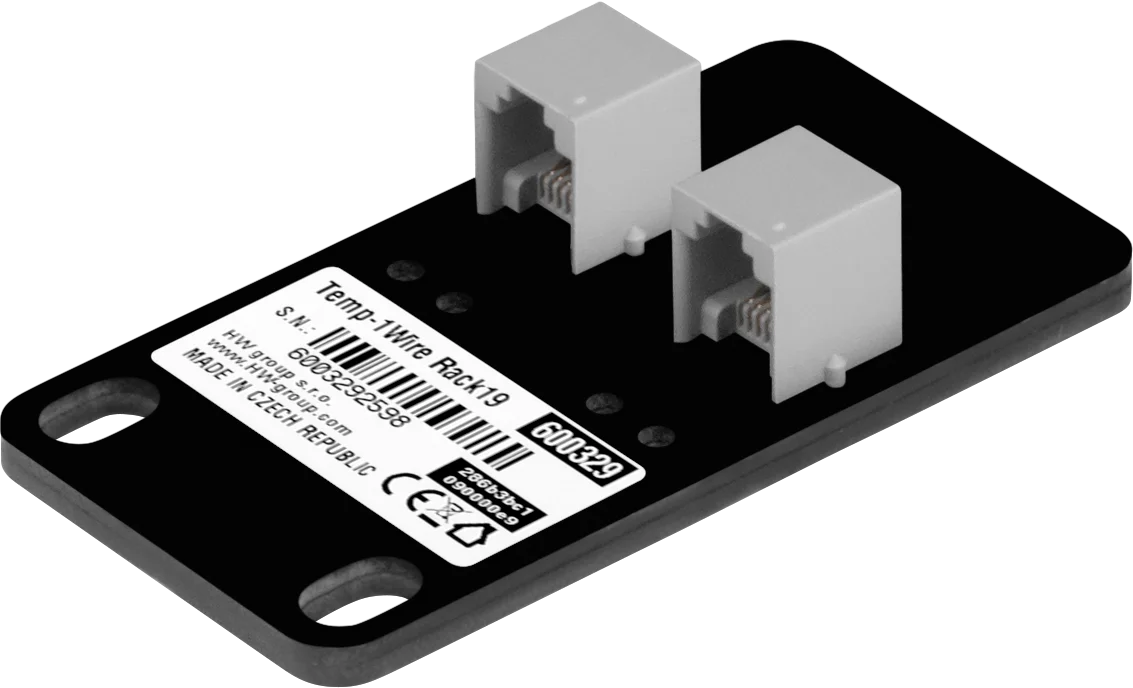


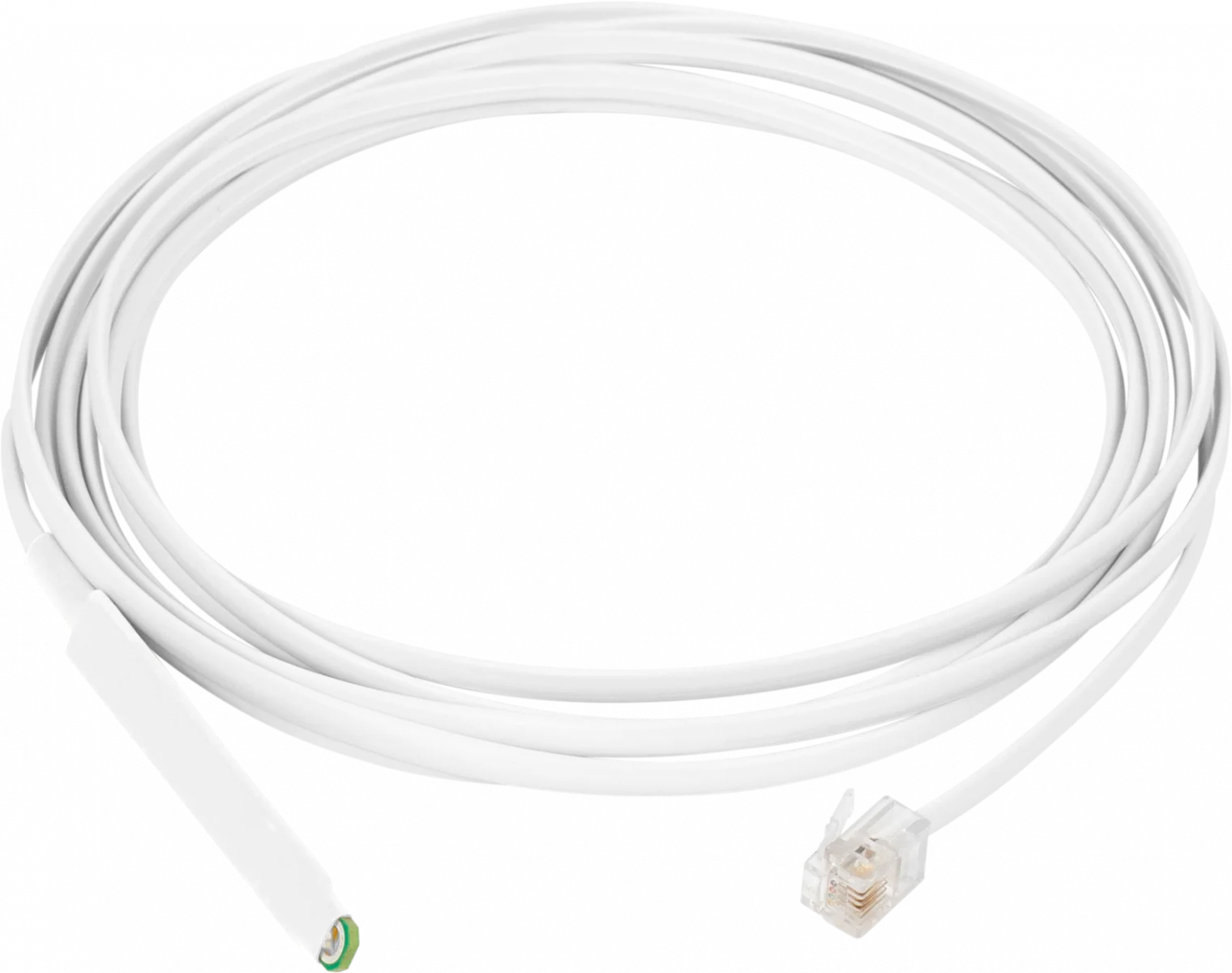


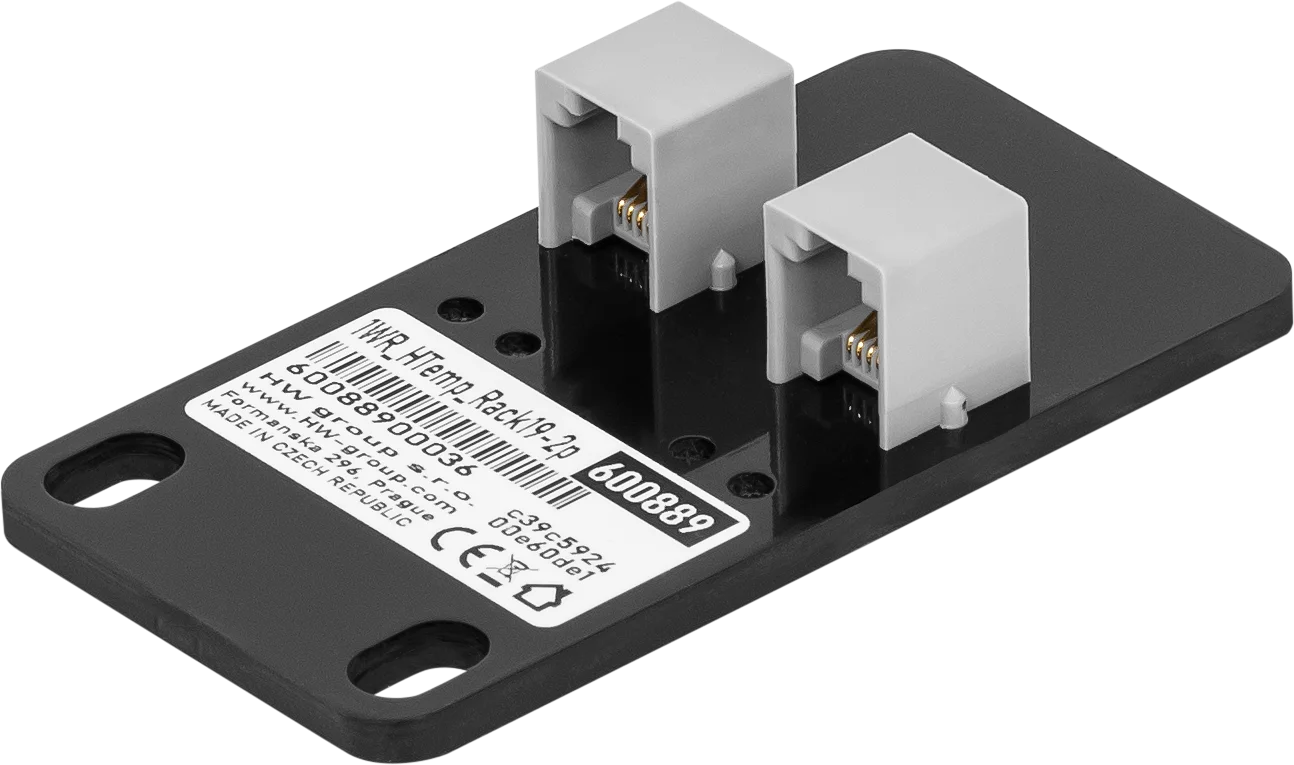







Extension units


Accessories

DB9 LapLink Cable 2m A LapLink cable (also known as Lablink or null-printer cable) is a cable used to connect two computers directly via a cable connection. Housing: Plastic Type: Cable

Mounting Plate D Bracket for Ares and Poseidon2 Operating environment: -3°C - 85°C / 0%RH - 100%RH Storage environment: -30°C - 60°C / 5%RH - 95%RH Dimensions: 74 x 6 x 120 (W x H x D) / 58g Warranty: 24 months Wall mounting plate for Ares, Poseidon2 3266/68 and other products.

DIN-Rail Box Set A mounting kit for installing HW-group devices on a DIN rail. Applications and Use: Mounting kit for installing HW-group devices with metal housing on a DIN rail. Operating environment: -30°C - 85°C / 0%RH - 100%RH Storage environment: -30°C - 60°C / 5%RH - 95%RH Dimensions: 45 x 11 x 105 (W x H x D) / 22g
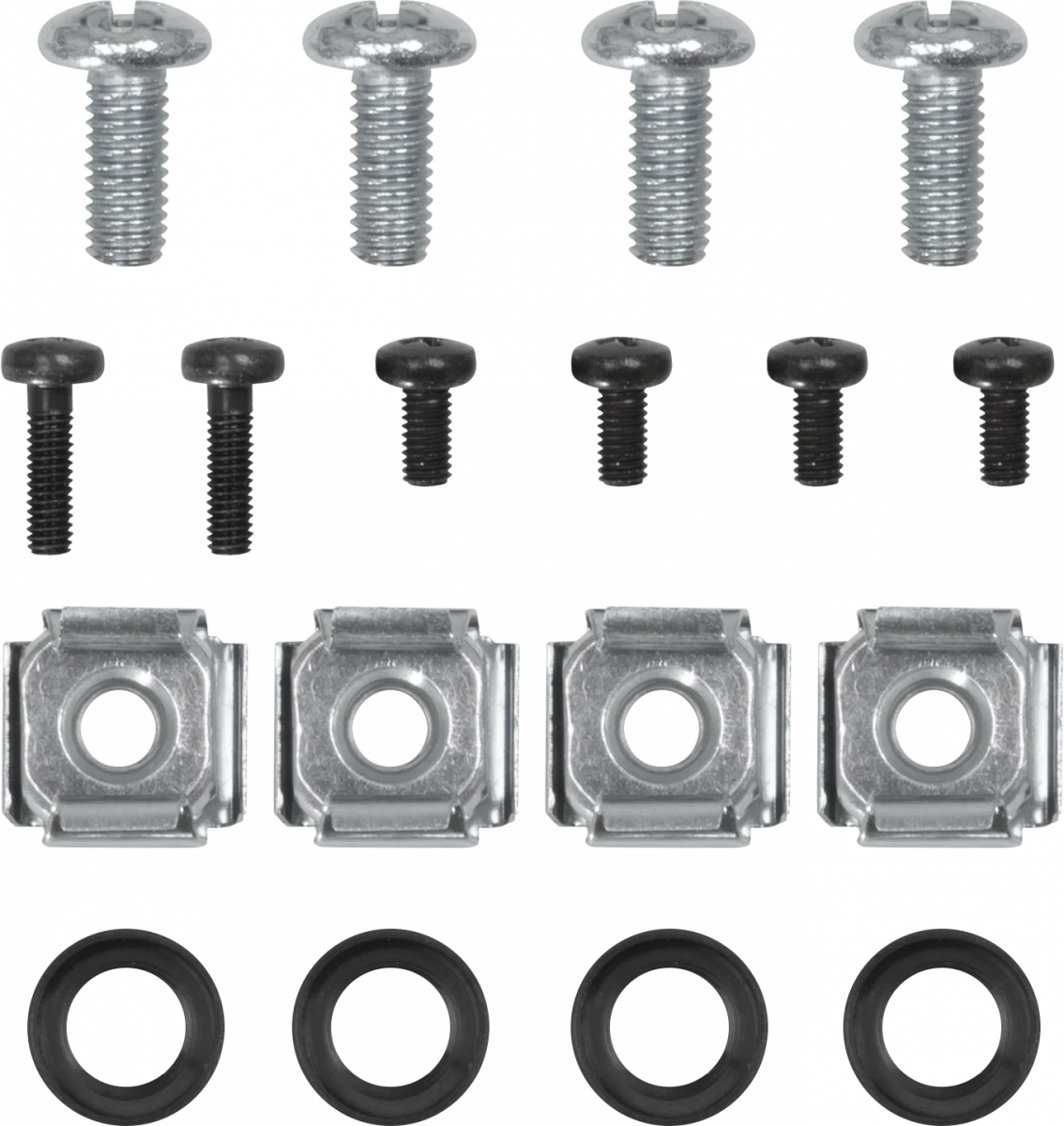
Mounting Kit Screw set for mechanical mounting Applications and Use: Screw set for mechanical fastening


Mounting Plate E- 1U Rack (cabinet) mounting plate, 1U mounting for HW-group Ares and Poseidon2 devices Operating environment: -30°C - 85°C / 0%RH - 100%RH Storage environment: -30°C - 60°C / 5%RH - 95%RH Dimensions: 127 x 45 x 94 (W x H x D) / 137g Warranty: 24 months Rack (cabinet) mounting plate, 1U mounting for HW-group Ares, Poseidon2 3266/3268 and other products.

Mounting Plate L DIN Rail DIN rail mounting plate for Ares, Poseidon2 3268, and other products. Features: Metal housing Wall mounting Applications and Use: Profiles for metal-encapsulated HWg devices for wall mounting. Dimensions: 150 x 120 x 45 (W x H x D) / 65g Warranty: 24 months


Mounting Kit for Poseidon2 4002 and HWg-SMS-GW3 Applications and Use: Mounting kit for Poseidon2 4002 and HWg-SMS-GW3 Operating environment: -30°C - 85°C / 0%RH - 100%RH Storage environment: -30°C - 60°C / 5%RH - 95%RH Dimensions: 136 x 45 x 16 (W x H x D) / 165g Warranty: 24 months


Rack Shelf 1U A versatile solution for easy mounting of HW-group devices in 1U racks. Operating environment: -30°C - 85°C / 0%RH - 100%RH Storage environment: -30°C - 60°C / 5%RH - 95%RH Dimensions: 485 x 44 x 104 (W x H x D) / 597g Warranty: 24 months Housing: Metal Type: Wall mounting This shelf makes it easy to use devices in racks. You can even combine different 1U products and sensors.

Software


Manufacturer information:
HW group s. r. o.
Rumunská 26
Prague, 120 00
Czech Republic
Phone: +420 222 511 918
Email: sales@hwg.cz
Responsible person:
Didactum® Security GmbH
Im Mühlenfeld 4
48163 Münster
Deutschland
Fon:
(+49) 250 19 71 63 54 / (+49) 171 33 11 577
Email: info@didactum-security.de
